 Built In Oasis
PermitPilot AI
Functional DemoAI permit preparation and tracking that moves contractors from project details to permit-ready packets.
A drag-and-drop weekly scheduling board that sits on top of a home service company's CRM.
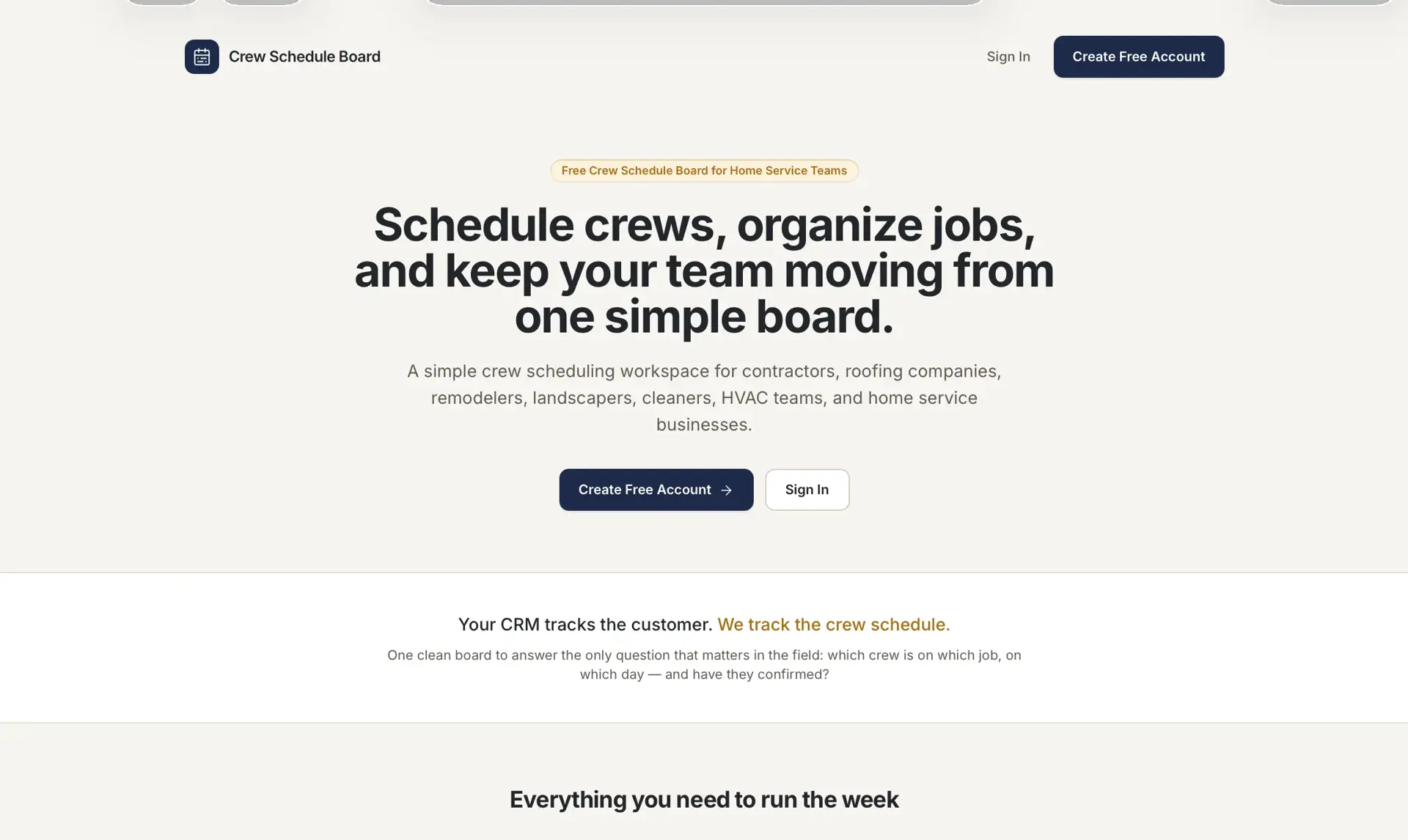
Home service companies keep jobs scattered across CRMs, spreadsheets, texts, and calendars, with no single visual way to see which jobs are ready, which crews are available, what is scheduled this week, and which crew has been notified or confirmed. The result is missed and double-booked jobs and constant manual coordination. The tool is not a CRM replacement; it is the scheduling command center that sits on top of the CRM.
Built for Office managers, dispatchers, production managers, and owner-operators at home service companies (roofing, HVAC, gutter, solar, siding, window).
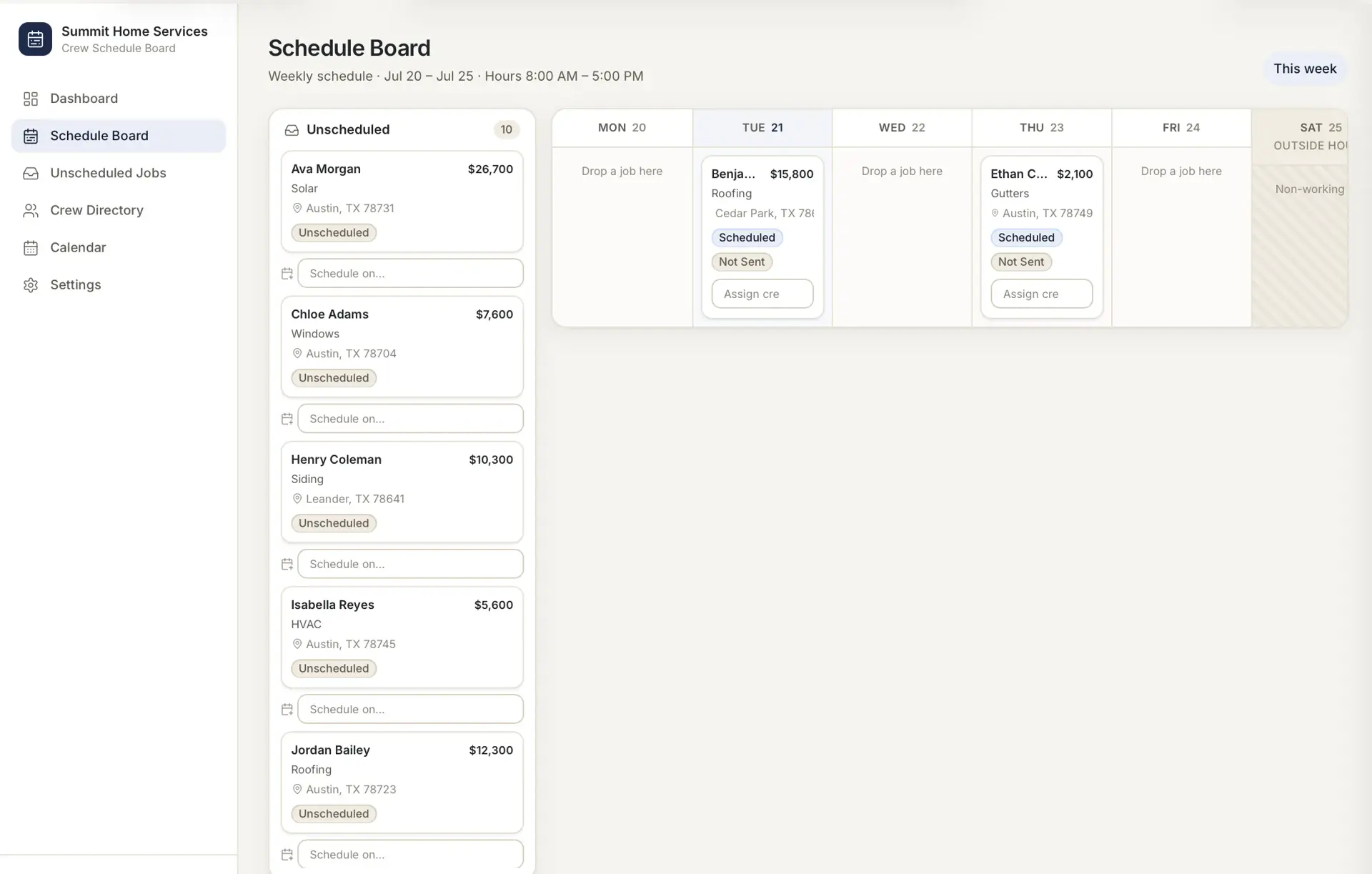
Crew Schedule Board pulls jobs into an Unscheduled Jobs inbox from CRM webhooks, CSV import, or manual entry, then lets office staff drag each job onto a crew and a day on a weekly board. A job detail side panel handles editing, status changes, and crew assignment, and a messaging feature generates job messages to crews with confirmation tracking. A secondary calendar view and a settings area for service types, statuses, and message templates round out the product. Data is separated per company/account so multiple companies can be served from one instance.
Builds a persistent drag-and-drop scheduling grid with validation (blocking assignment to inactive crews, canceled jobs, or missing data) and optimistic UI with success/error toasts. Implements company-level data separation, cookie-based session auth (bcrypt hashing, signed JWT sessions), and a universal CRM intake layer (webhook plus CSV) rather than brittle per-CRM integrations. Zod schemas guard all writes.
Your CRM tracks the customer. We track the crew schedule.
CRM Import Layer
Universal intake for manual entry, CSV, webhook, and Zapier-ready pushes from any CRM.
Unscheduled Jobs Inbox
Landing area for incoming jobs with search and filters by type, date, and value.
Weekly Crew Schedule Board
Days as columns, active crews as rows, scheduled job cards in each cell.
Drag-and-Drop Scheduling
Drag jobs across days and crews; scheduled date and assignment update automatically.
Crew Directory
Store crews with trade type, service area, contact, and daily/weekly capacity.
Job Detail Side Panel
View and edit job data, change status, open the CRM record, and take actions.
Crew Job Messaging
Send templated job messages to crews via copy, email, or SMS-ready backend.
Confirmation Tracking
Track Not Sent, Message Sent, Crew Confirmed, and Needs Follow-Up.
Calendar View
Monthly and weekly views for owners and admins, filtered by crew, type, or status.
Smart Crew Suggestions
Surfaces relevant crews first by service type, active status, area, and availability.
Settings
Per-company service types, statuses, message templates, and webhook keys.
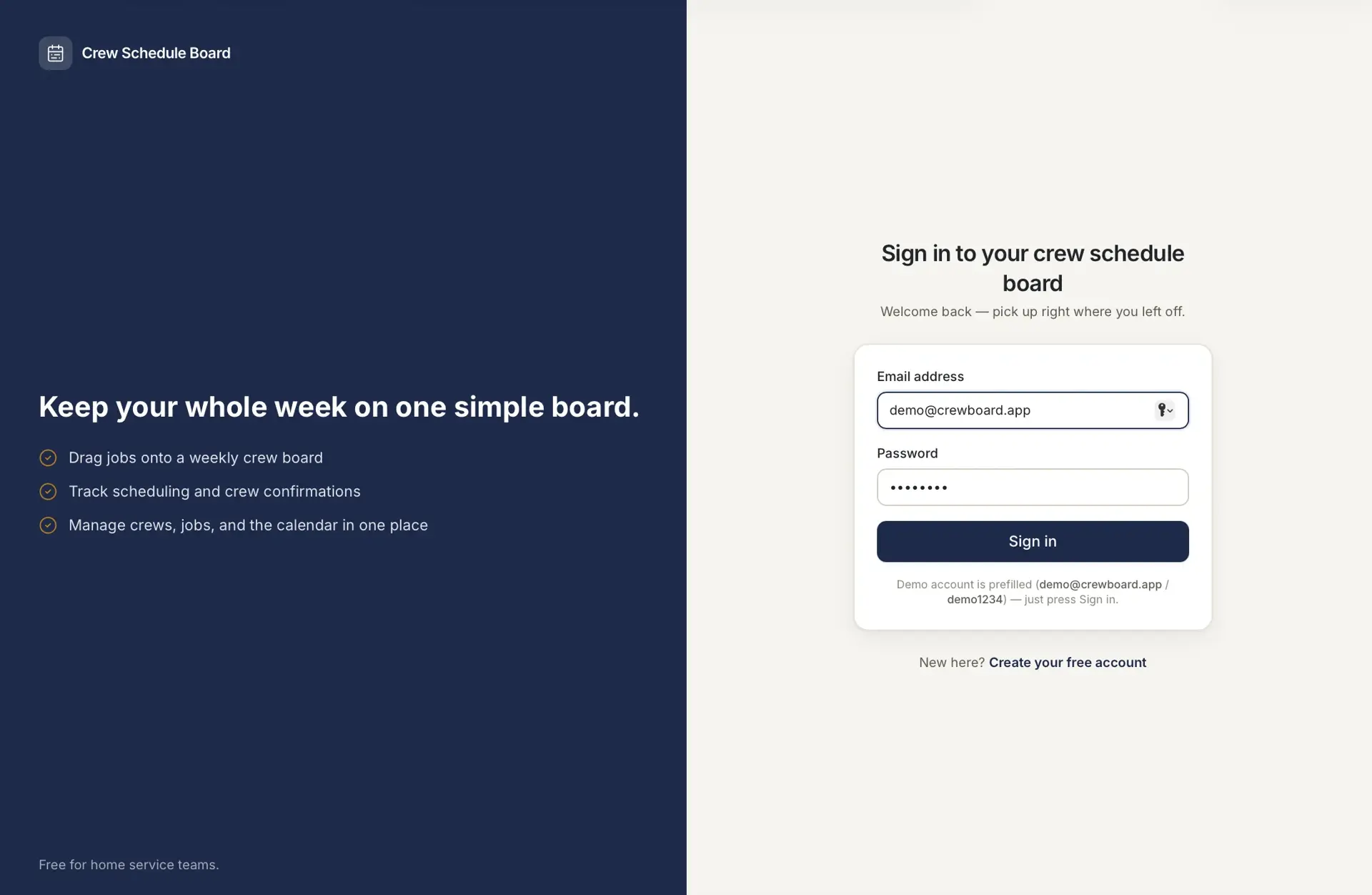
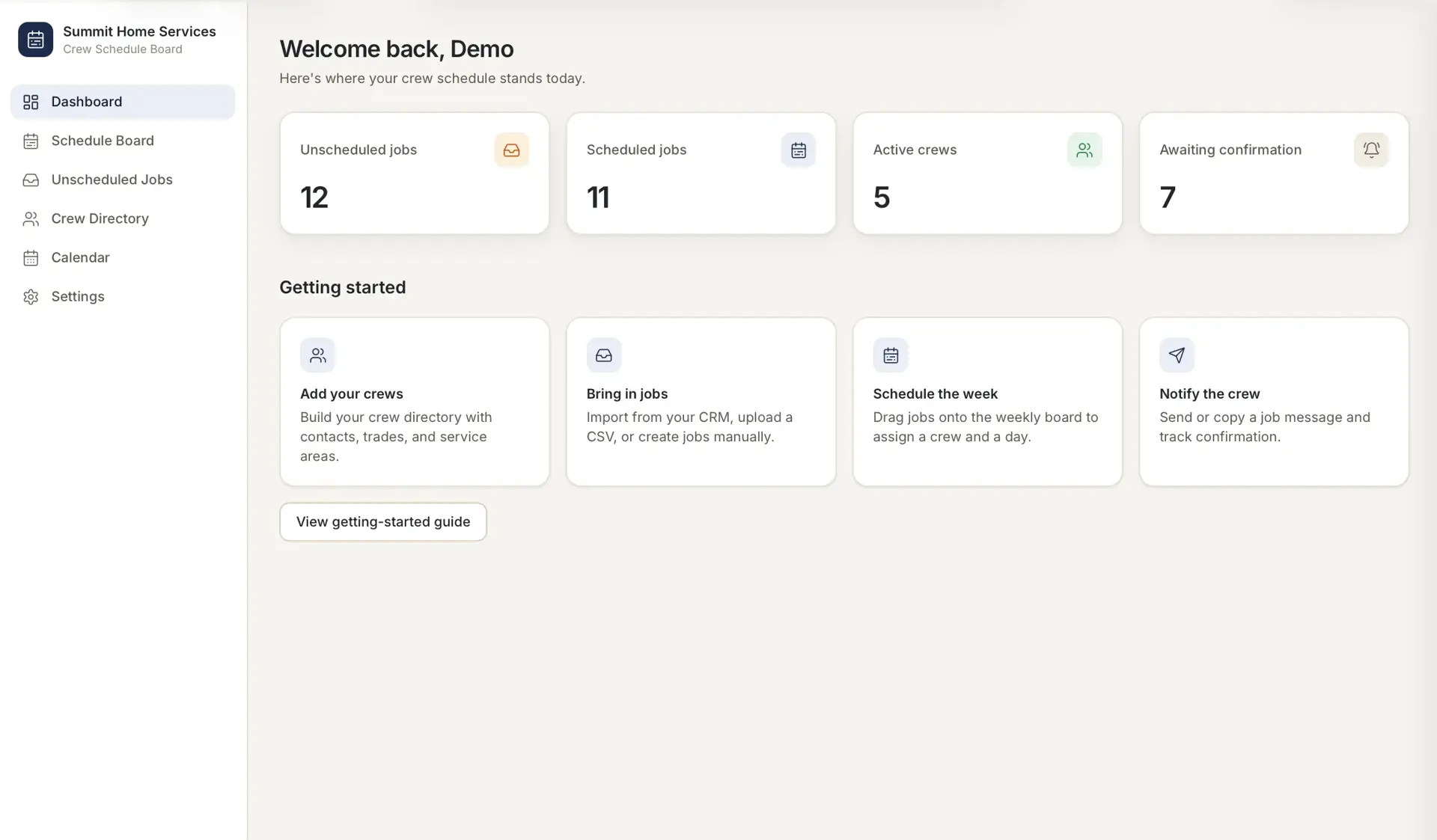
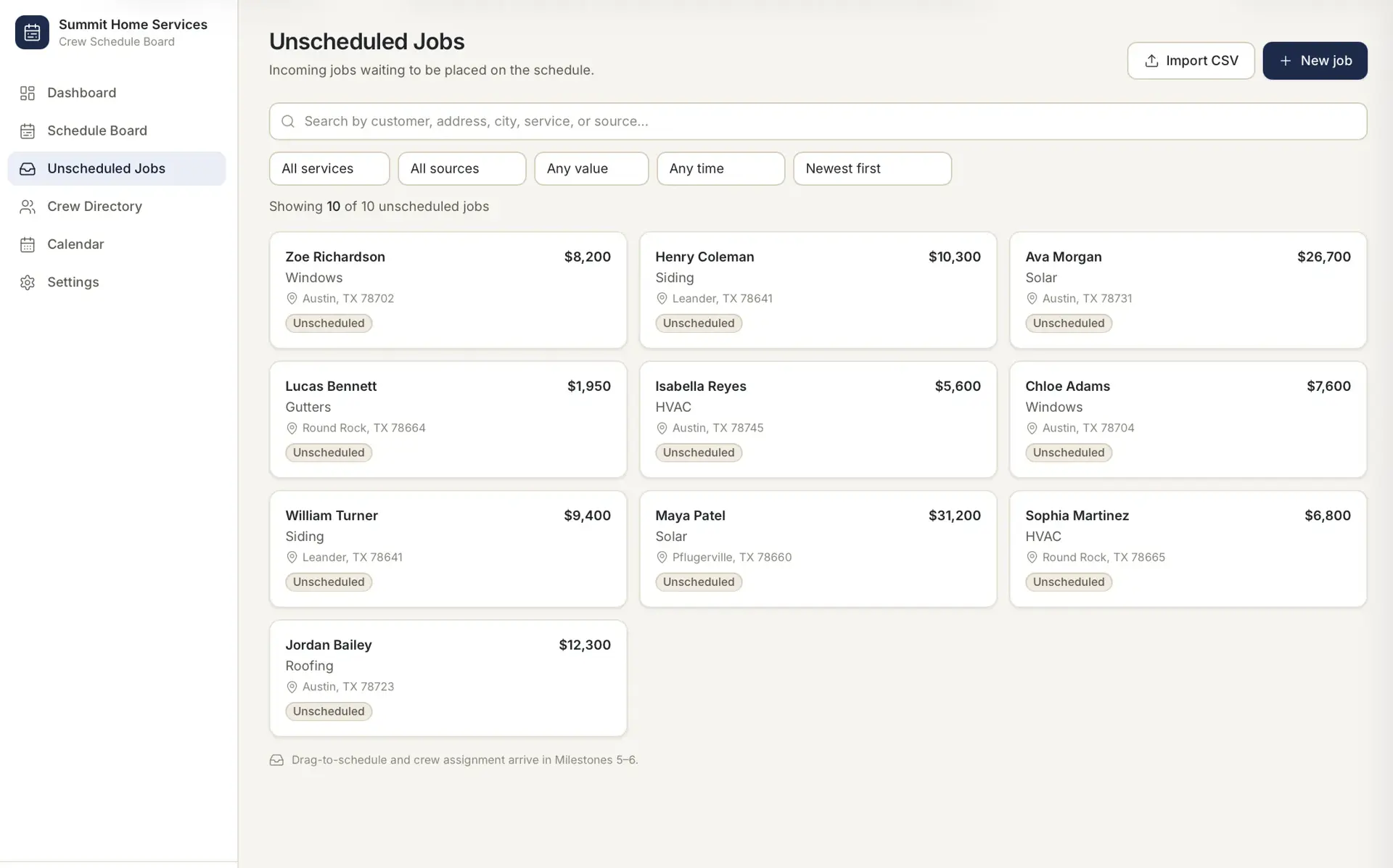
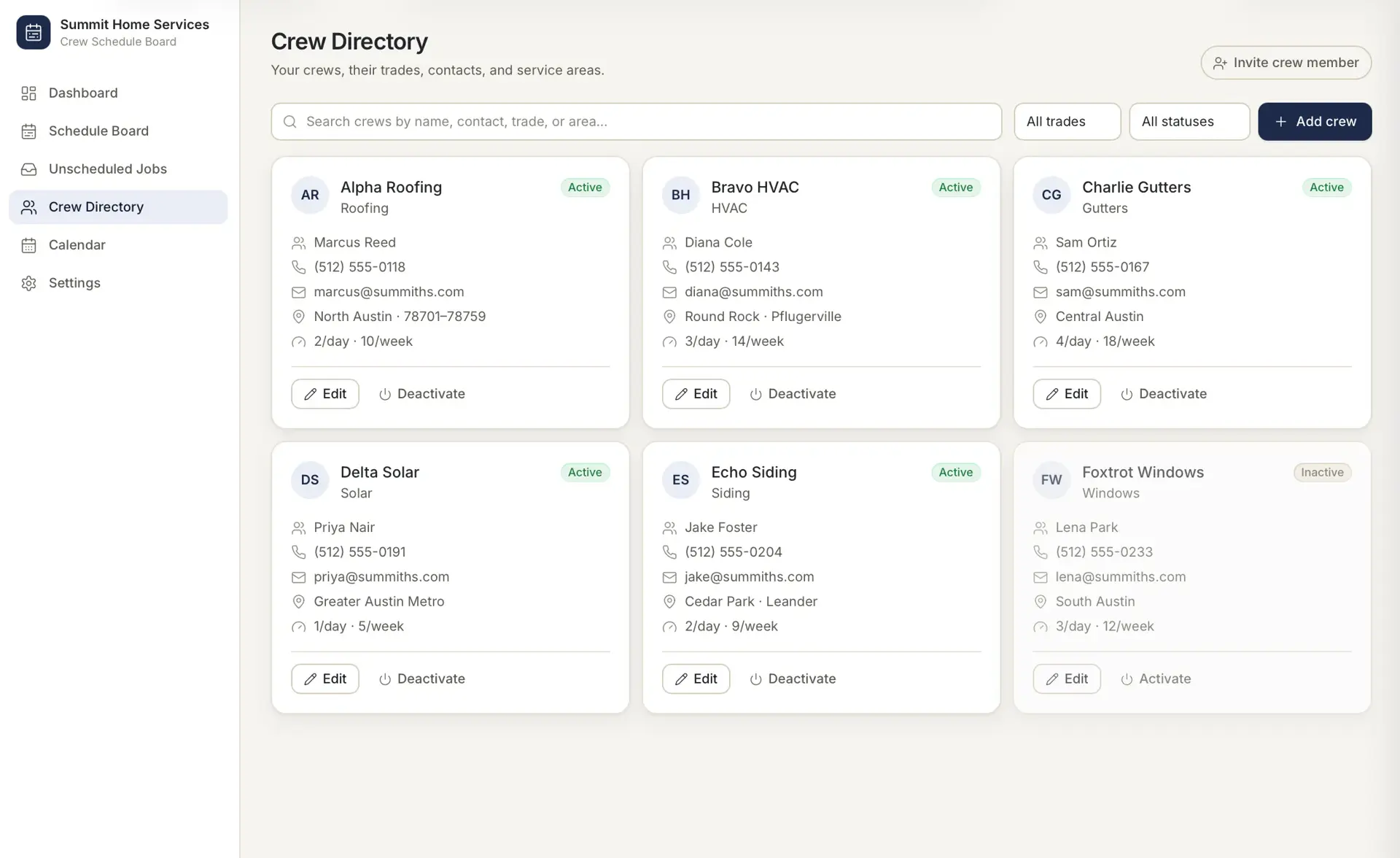
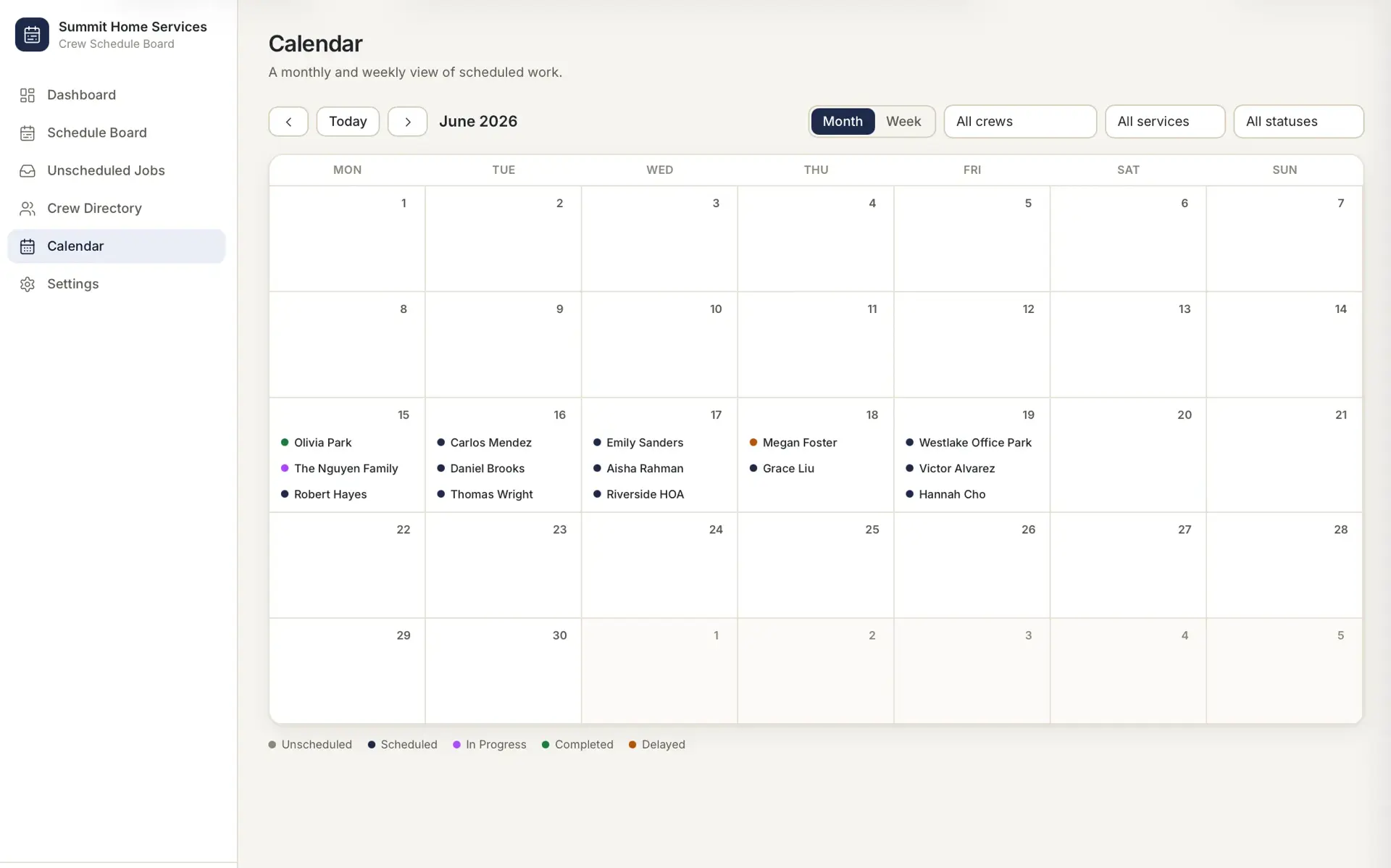
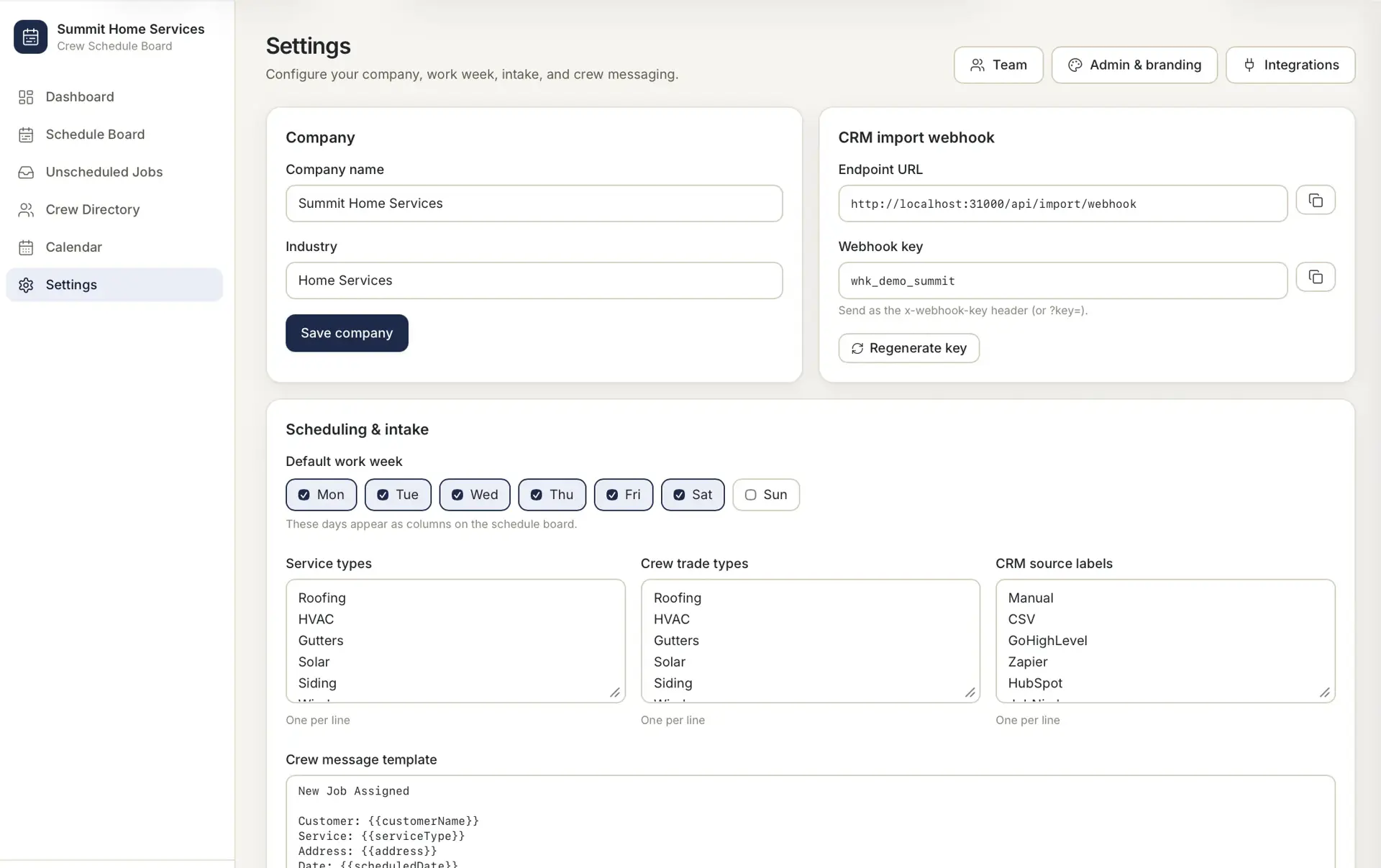
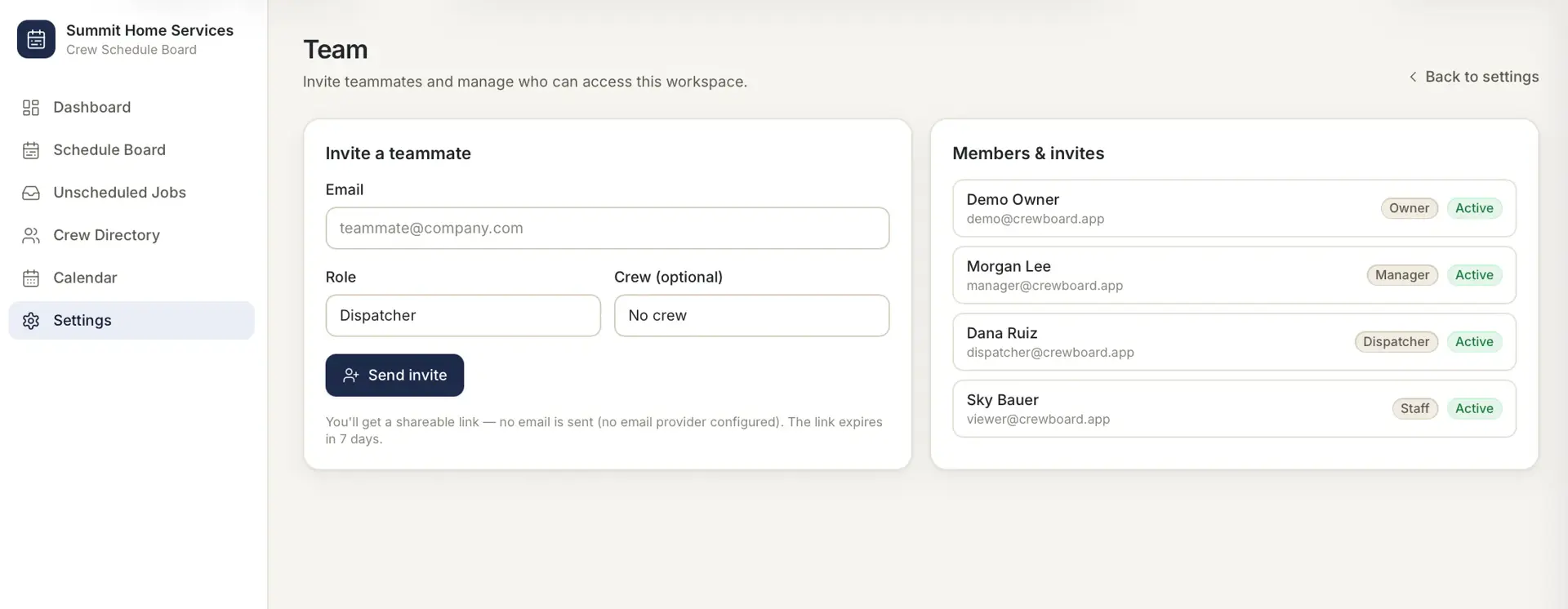
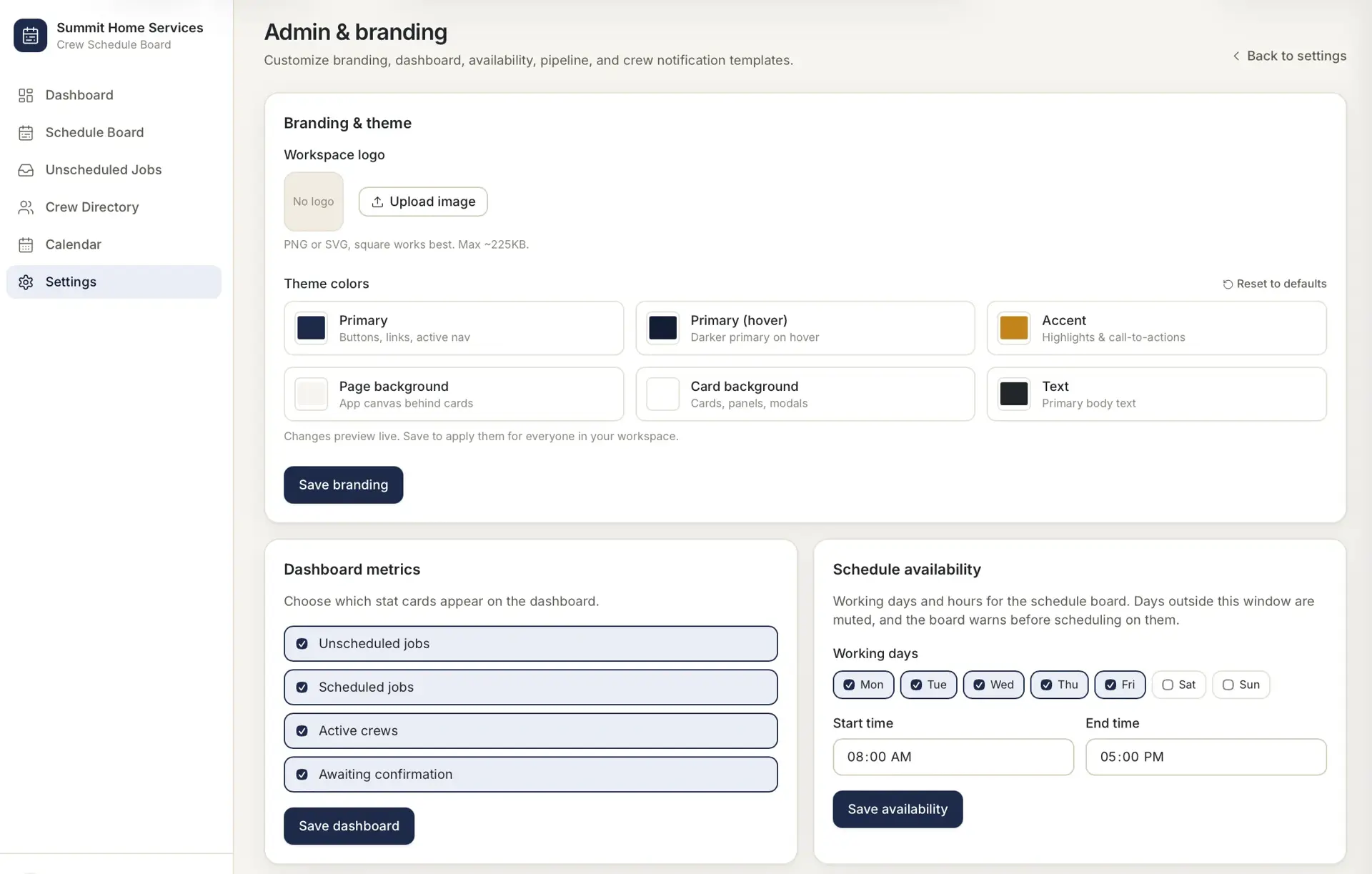
A full-stack Next.js application with server API routes backed by Prisma over SQLite in development (switchable to PostgreSQL for production). Sessions are signed cookies; jobs enter through a shared-key webhook, CSV upload, or manual forms, and the browser renders a three-zone layout with a weekly board built on a drag-and-drop library.
AI permit preparation and tracking that moves contractors from project details to permit-ready packets.
Simple PTO request and approval workflow for small teams, with secure one-click approval links.
Central CRM that unifies a cluster of home-service apps under one role-based platform.
Start a project and reference this one — the conversation begins with what you have already seen.
Start a project