 Built In Oasis
Admin Portal
Functional DemoCentral analytics and management console for a suite of home-services sub-apps.
Central CRM that unifies a cluster of home-service apps under one role-based platform.
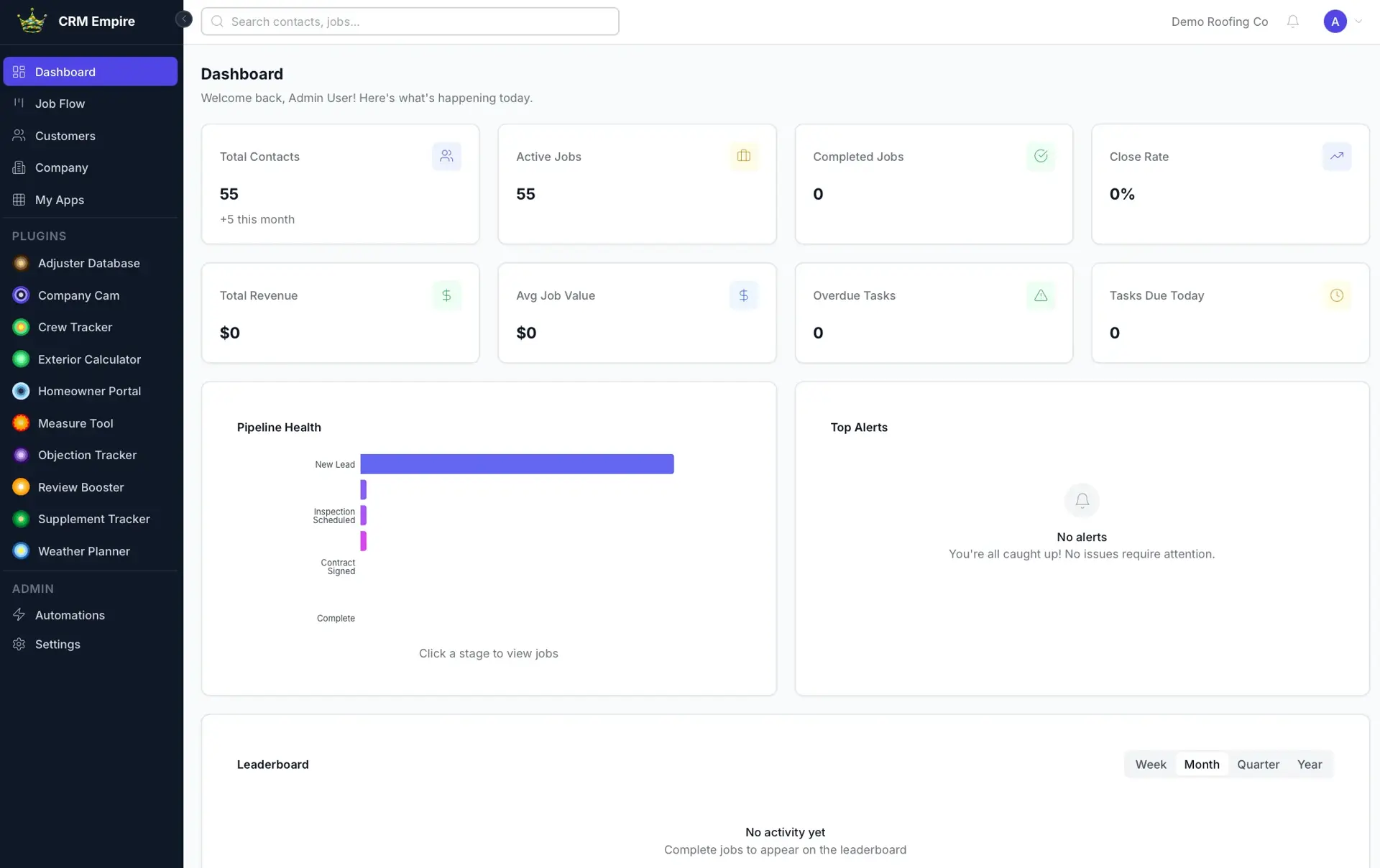
Home-service companies run their sales and operations across scattered tools, and switching CRMs in bulk is painful enough that most never do. New reps also inherit a convoluted mess of training files and operational documents with no single place to find them. CRM Empire is built to be the affordable hub that ties the whole app cluster together, making it easy for a company to move everything to one system.
Built for Home-service and contracting companies and their admins, managers, and sales reps.
CRM Empire is a multi-tenant CRM for contracting companies. It provides a smart customer directory with advanced filtering and saved views, full customer profiles, a Kanban job-flow pipeline with customizable stages and stage automations, and a central dashboard of KPIs with an optional rep leaderboard. A company directory with customizable resource buttons stores training files and videos for onboarding reps. Role-based access control and per-user visibility rules govern what each person can see, and a plugin layer links job data across the other apps in the cluster via a plugin API and webhooks. It also includes an automations engine, tasks, activity/audit logging, and a contract templates and e-signature workflow.
Implements four-tier role-based access control with per-user field and record visibility on top of a company-scoped multi-tenant schema. Builds a configurable pipeline engine with stage automations and a cross-app plugin layer that links job records between separate applications through a webhook and plugin API. Adds a contract lifecycle with templates, envelopes, signing links, and captured signatures, plus a background job pipeline for automations.
Most CRMs lock your data inside themselves. This one is the hub that links a whole cluster of home-service apps together and makes switching worth it.
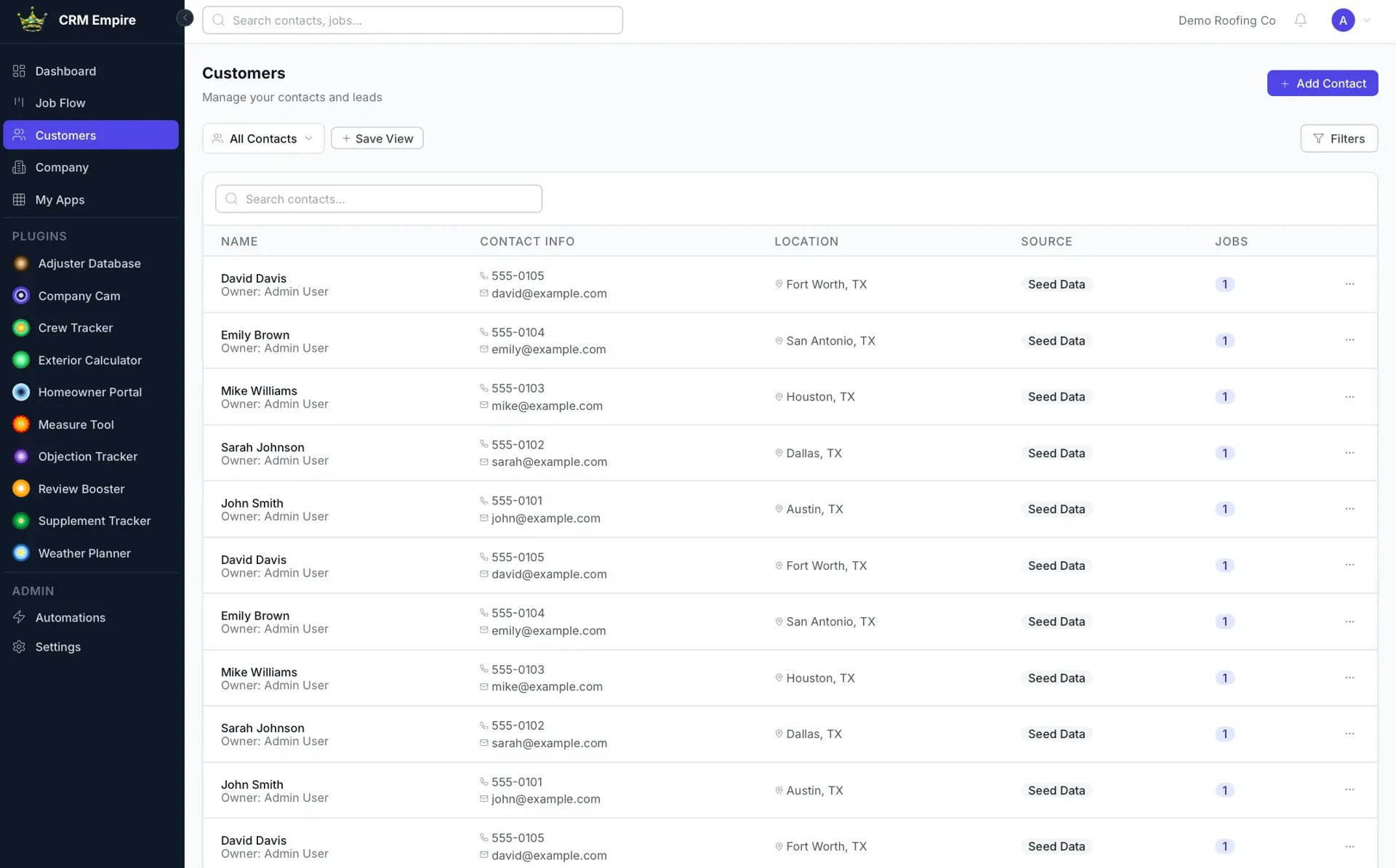
Smart customer directorySaved Views
Contact list with advanced filtering by name, area, and job type, plus saved views.
Customer profile
Full profile with property, homeowner, and project status details.
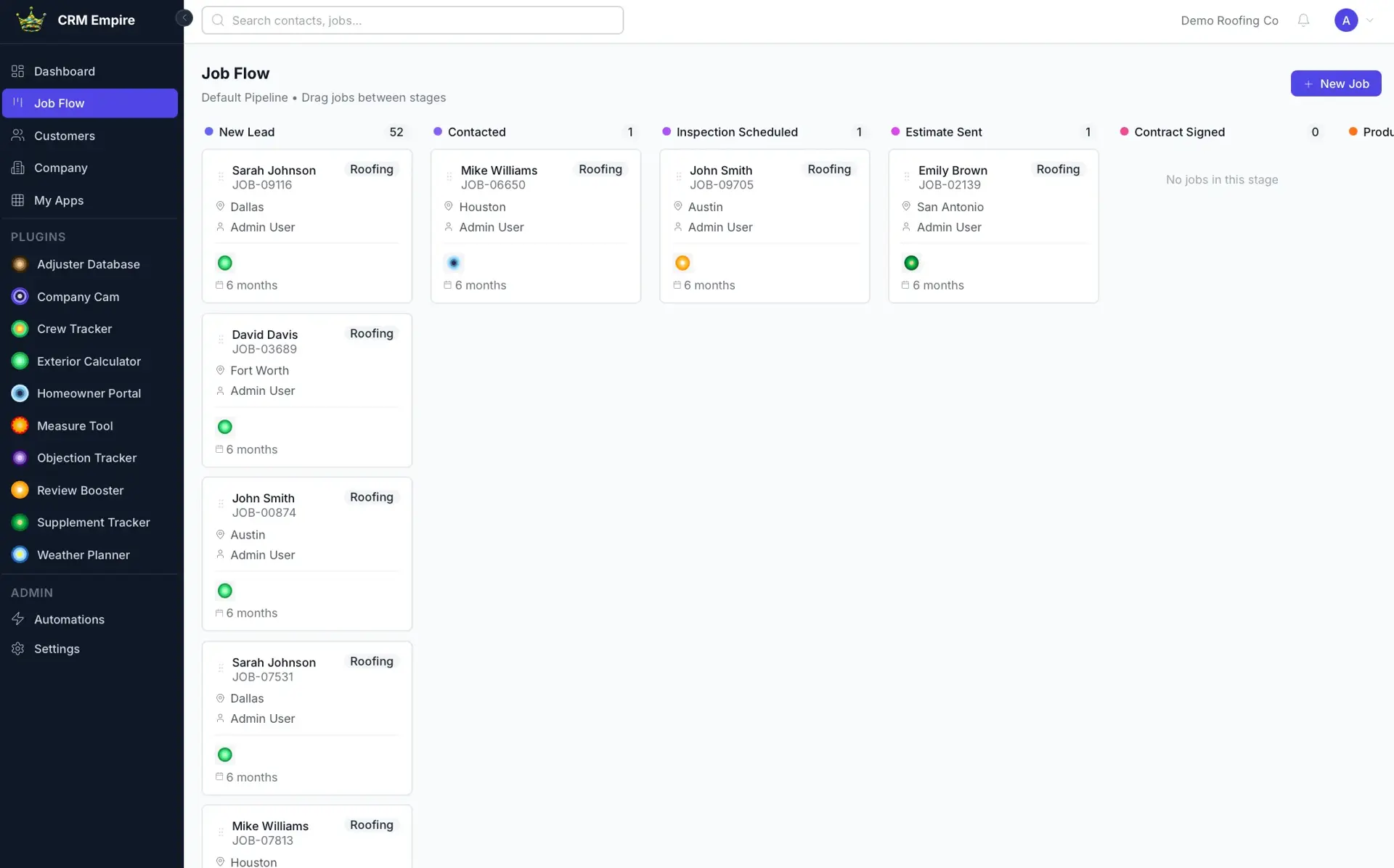
Job flow pipelineKanban Job Flow
Kanban board where jobs slide through customizable stages from lead to close.
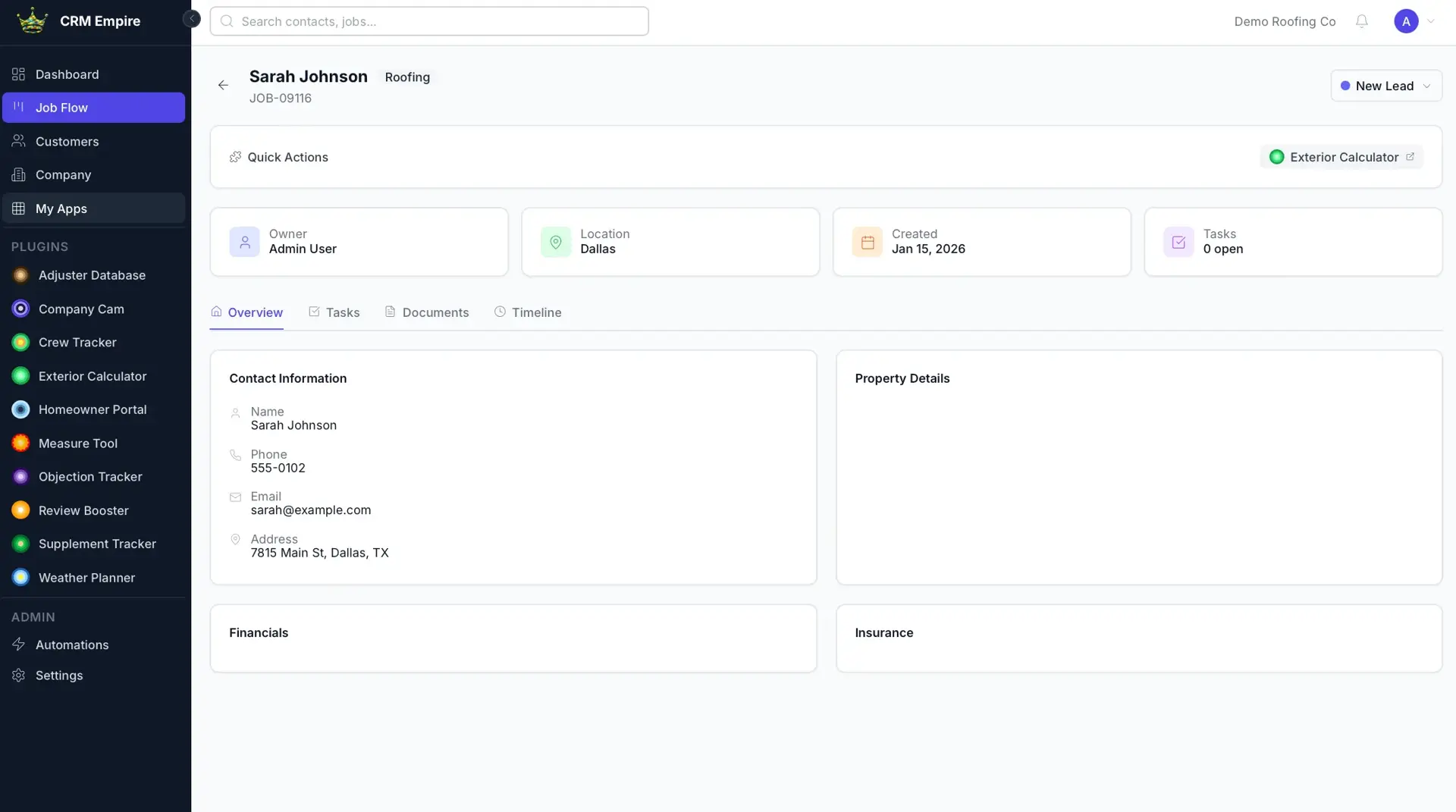
Job detail
Detailed job view including insurance, property, and homeowner information.
Stage automations
Actions configured to fire when a job enters a given pipeline stage.
Automations engine
Rule-based automations processed on a background queue.
Central dashboard
Financial and job KPIs with an optional company-wide rep leaderboard.
User visibility controls
Admins set which KPIs and records each user can see.
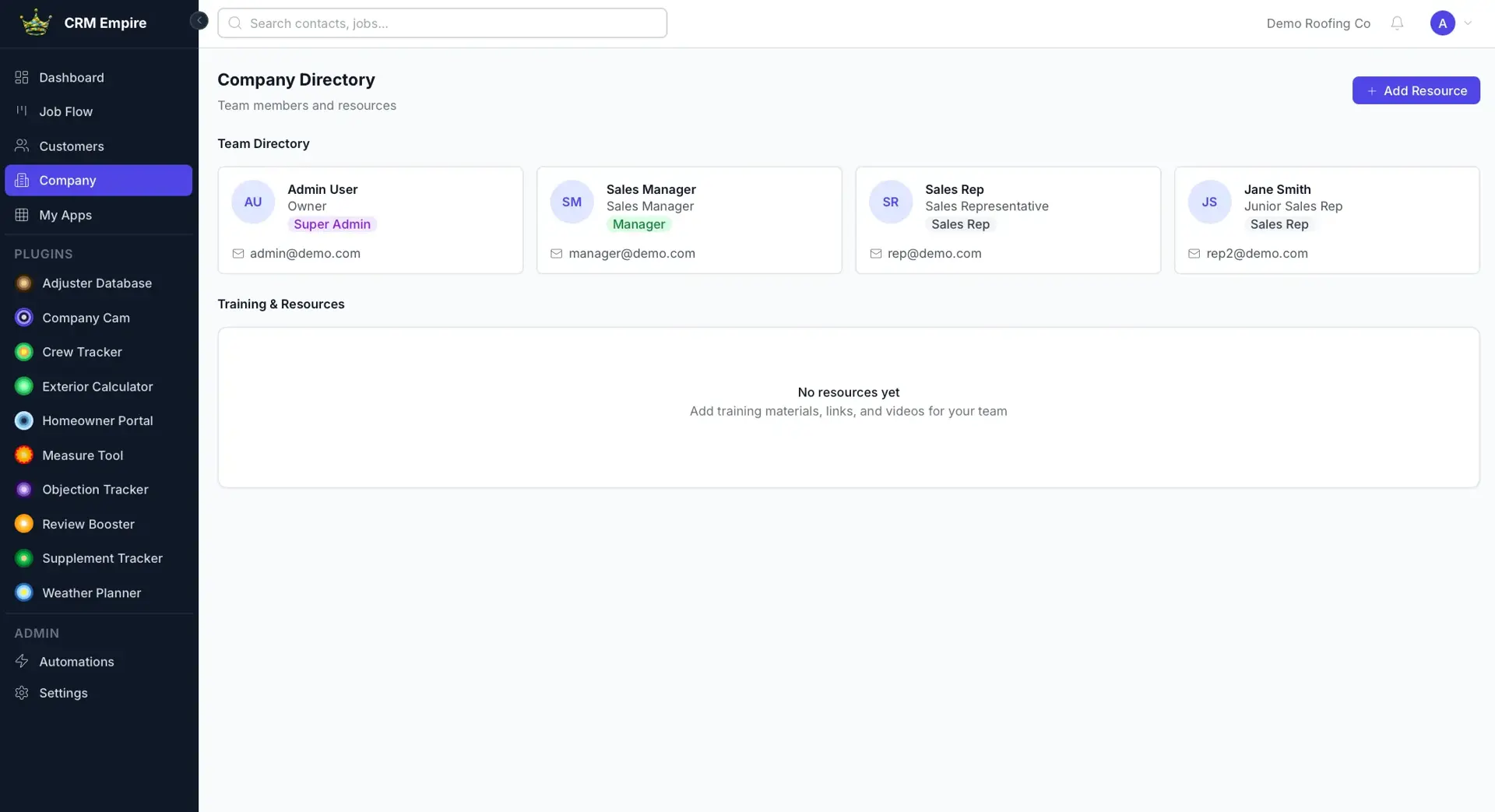
Company directoryCustom Resource Buttons
Team roster plus customizable buttons linking files and in-page video previews.
Contracts
Contract templates, envelopes, signing links, and captured e-signatures.
Documents
Uploaded document storage attached to records.
Tasks and activities
Task assignment and an activity log across records.
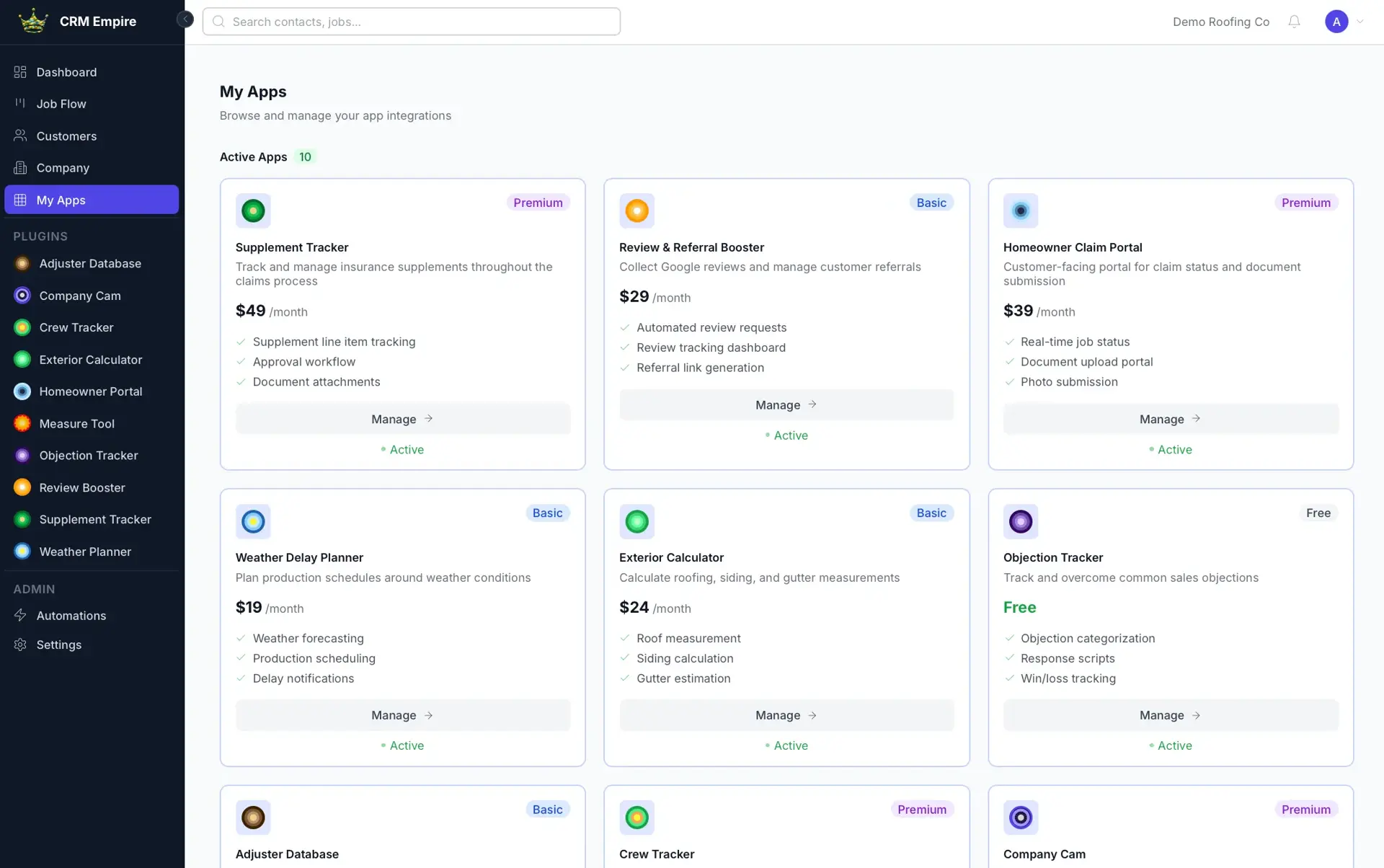
My Apps
View purchased and available cluster apps and manage subscriptions.
Plugin API and webhooks
Links job records across separate apps and receives external events.
Role-based access control
Company, team, and owned scopes across super admin, admin, manager, and rep roles.
Team invites
Invite-token flow for onboarding new users into a company.
Admin
Rep
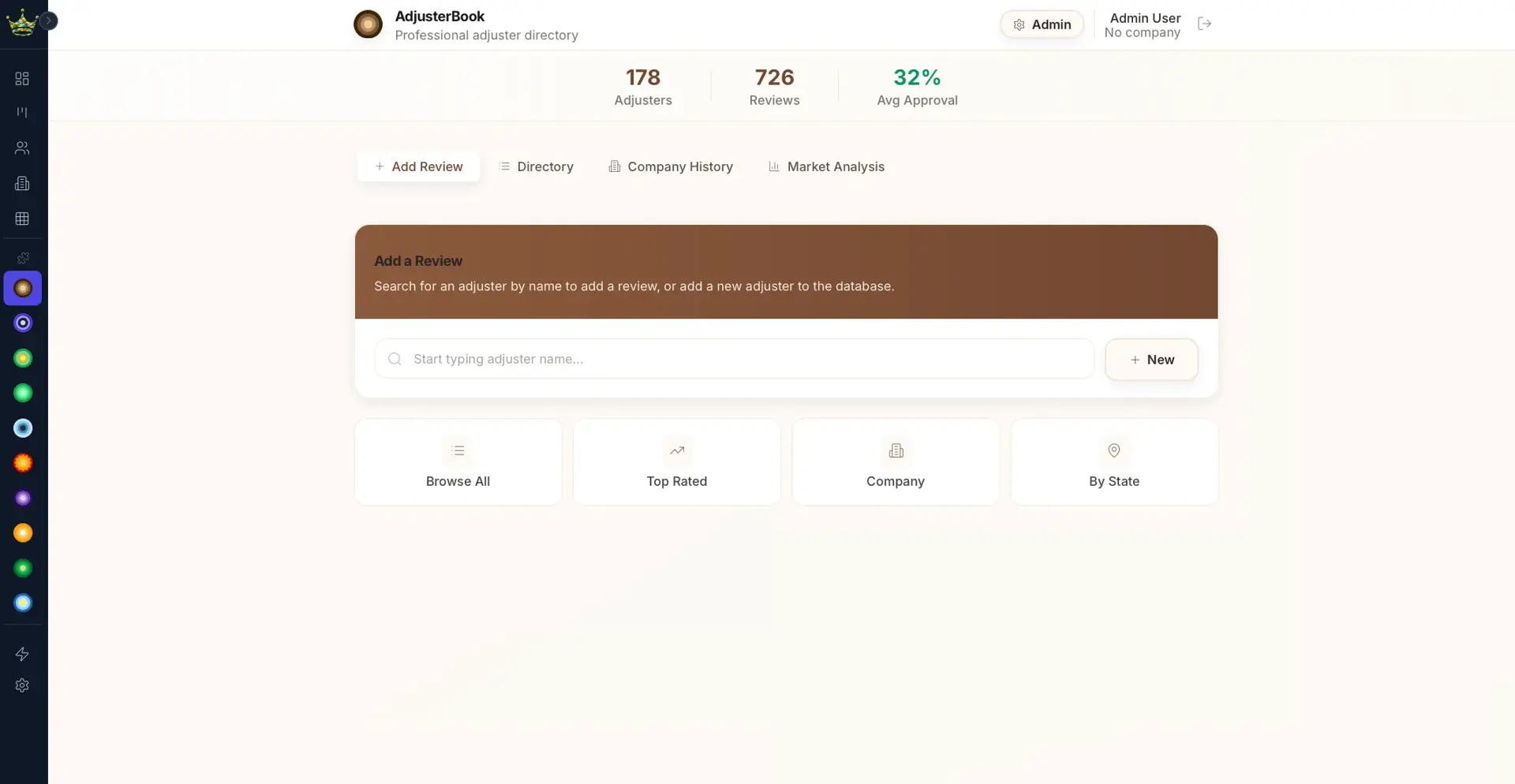
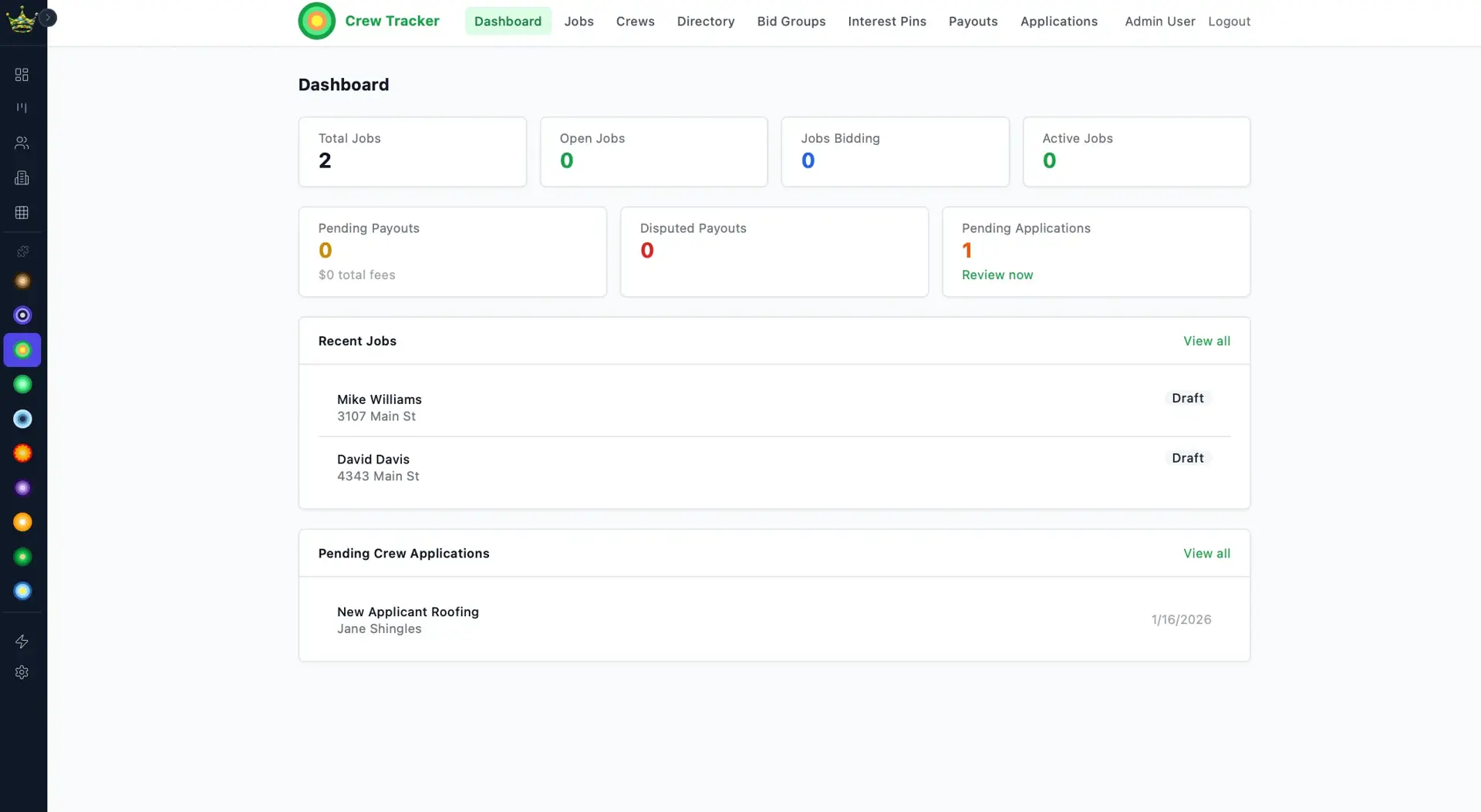
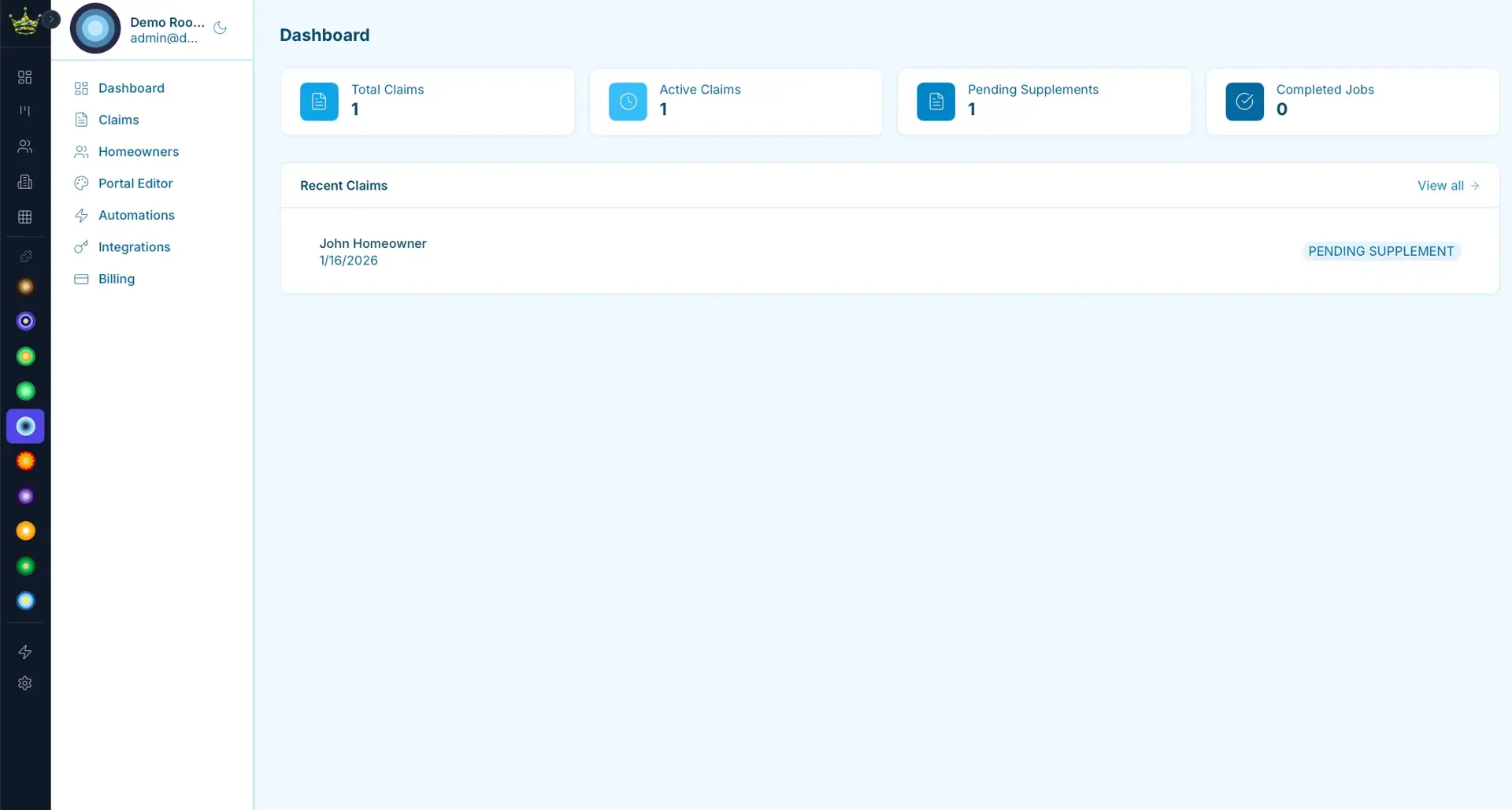
A React and Vite single-page app talks to an Express API backed by PostgreSQL through Prisma. Authentication uses JWT access and refresh tokens, and background automations run on a BullMQ queue over Redis. Other apps in the cluster connect through a plugin API and webhooks, with each integration URL configured per environment.
Central analytics and management console for a suite of home-services sub-apps.
Multi-tenant SaaS command center that parallel-dials opted-in leads and routes only answered calls to available agents.
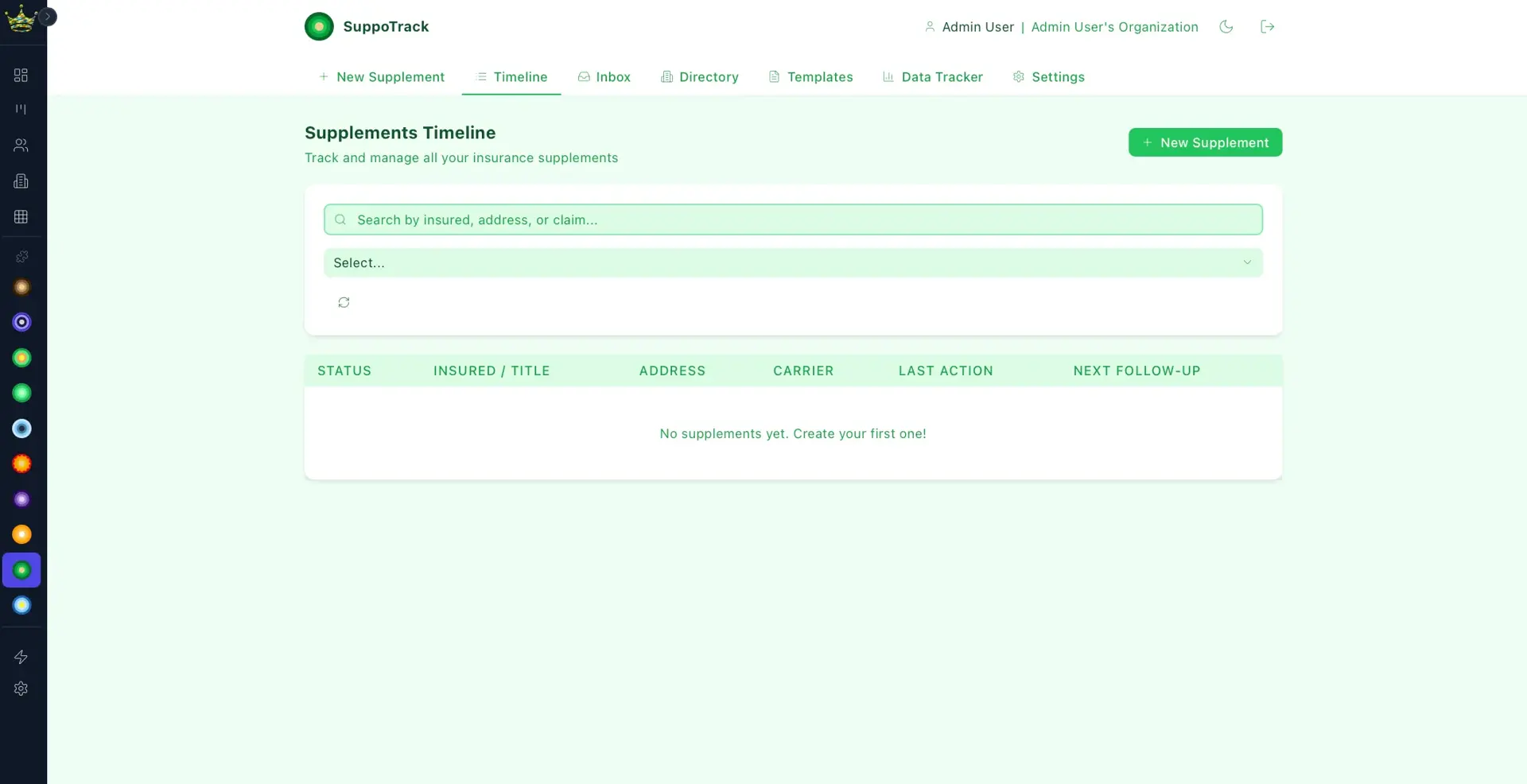
Insurance supplement management for roofing contractors, with adjuster communication and AI.
Start a project and reference this one — the conversation begins with what you have already seen.
Start a project