 Built In Oasis
CRM Empire
Functional DemoCentral CRM that unifies a cluster of home-service apps under one role-based platform.
AI permit preparation and tracking that moves contractors from project details to permit-ready packets.
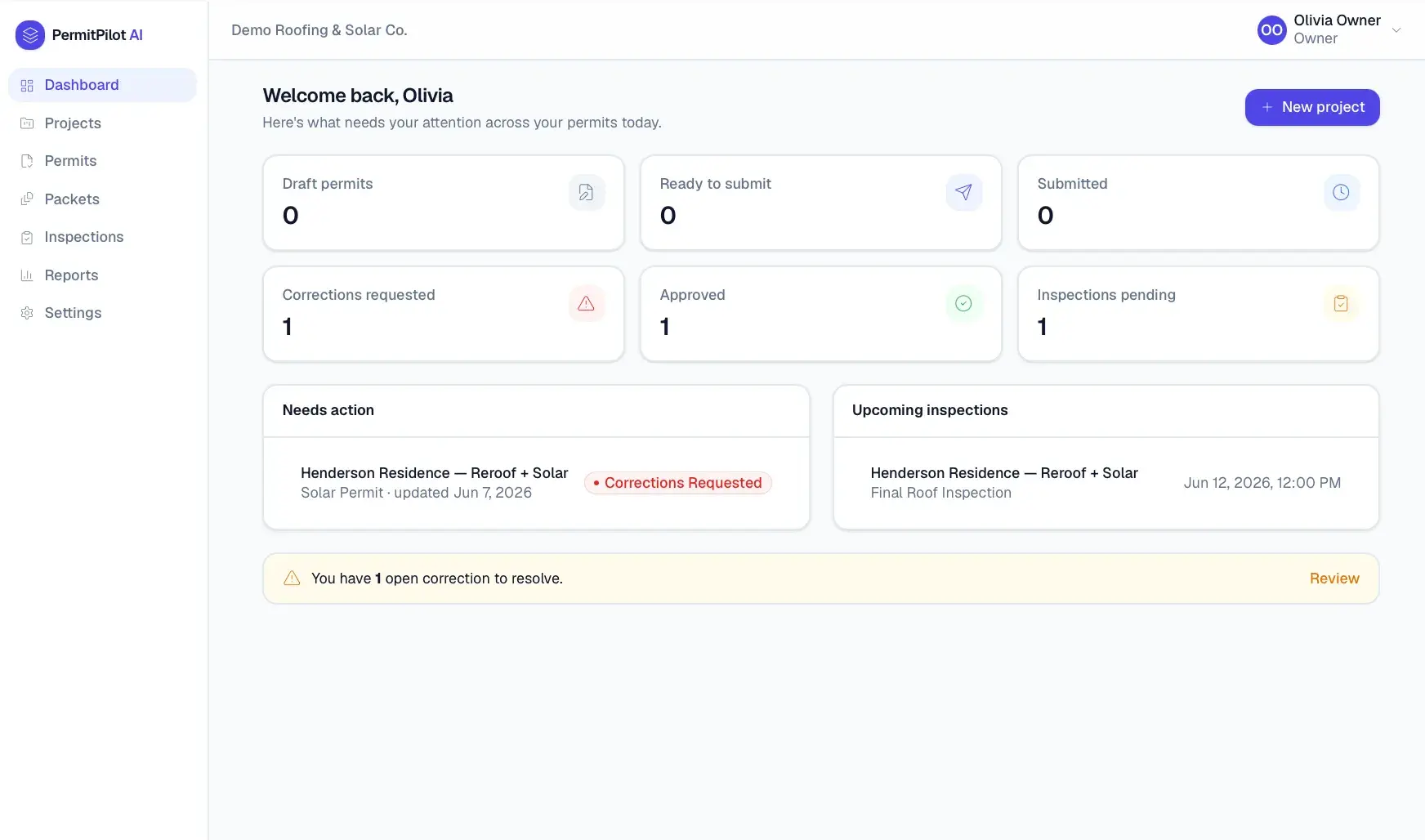
Permit requirements vary by city, county, state, project type, trade, and scope, so contractors piece the process together manually: finding the right office, figuring out which permits apply, downloading and filling forms, gathering attachments, submitting, and tracking status by hand. It is slow, error-prone, and costs time and money. Correction requests and inspections add more manual coordination.
Built for Contractors and their permit coordinators, office admins, and project managers across roofing, solar, HVAC, electrical, and general trades.
PermitPilot AI turns permitting into a guided workflow. A contractor creates or imports a project, and the system identifies the jurisdiction, determines which permits and documents are likely required with reasoning, and generates a permit-ready packet including scope of work and owner authorization. Users submit manually or with guidance, then track permit status through a timeline, manage correction requests, and record inspections. An AI assistant drafts scope descriptions, correction responses, and summaries using only project and jurisdiction data, and everything is scoped to a multi-tenant organization with role-based access.
Builds a jurisdiction-aware permit requirement engine that produces recommendations with explicit reasoning and confidence levels, a document packet generator that assembles PDFs from project and contractor data with version history, and a full status lifecycle from draft through finaled with correction and inspection tracking. AI assistance is grounded in system data and always user-reviewable.
This is not a generic form builder. It is a contractor permit operating system that takes a project from details to permit-ready documents in minutes.
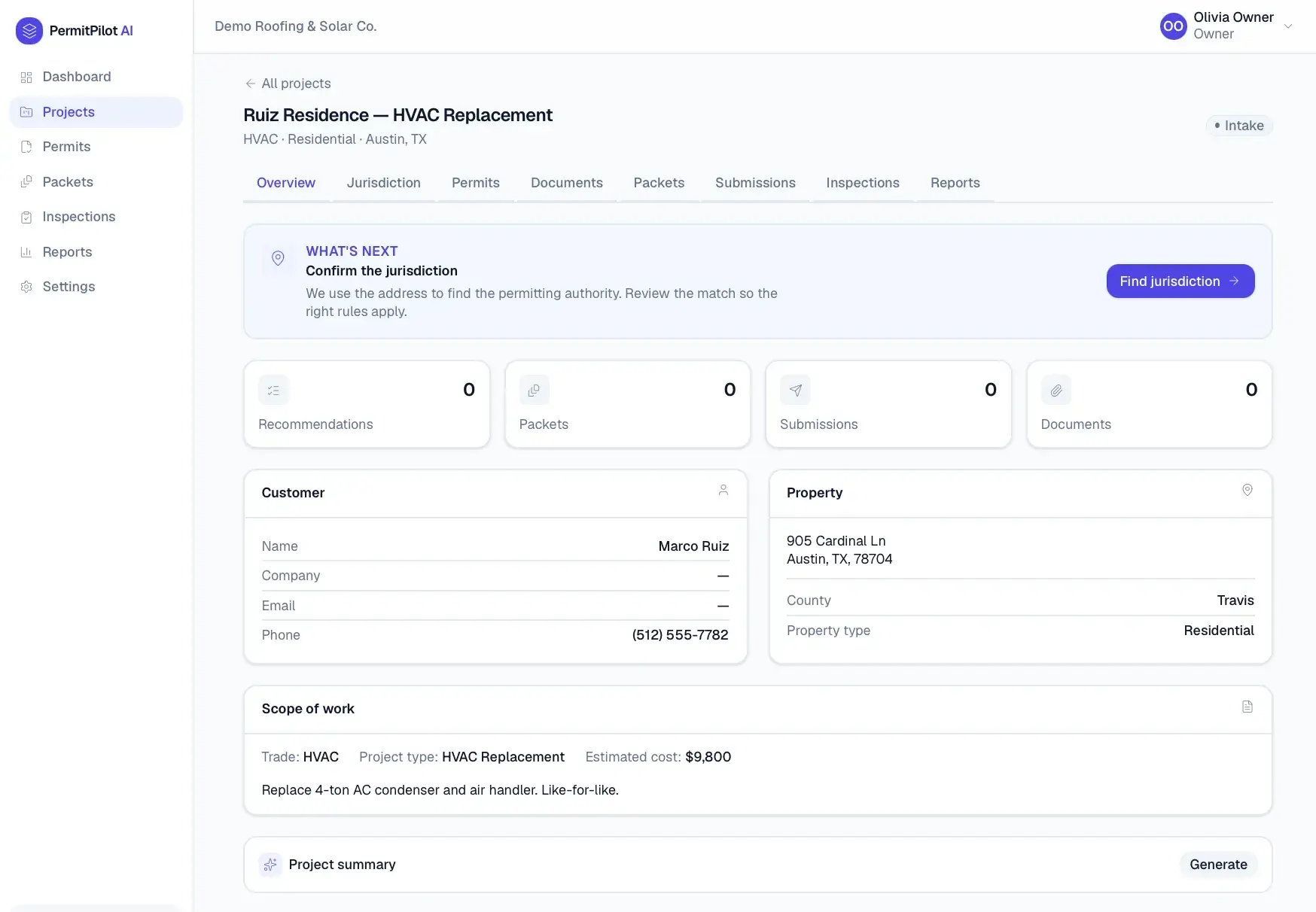
Project intake
Capture customer, property, contractor, and scope data.
CRM project import
Import projects from a CRM-ready structure or CSV.
Jurisdiction finder
Address-based lookup of the correct permit office and submission method.
Permit requirement engine
Determines likely permits and documents with reasoning and confidence.
Required document checklist
Lists attachments needed per permit and flags what is missing.
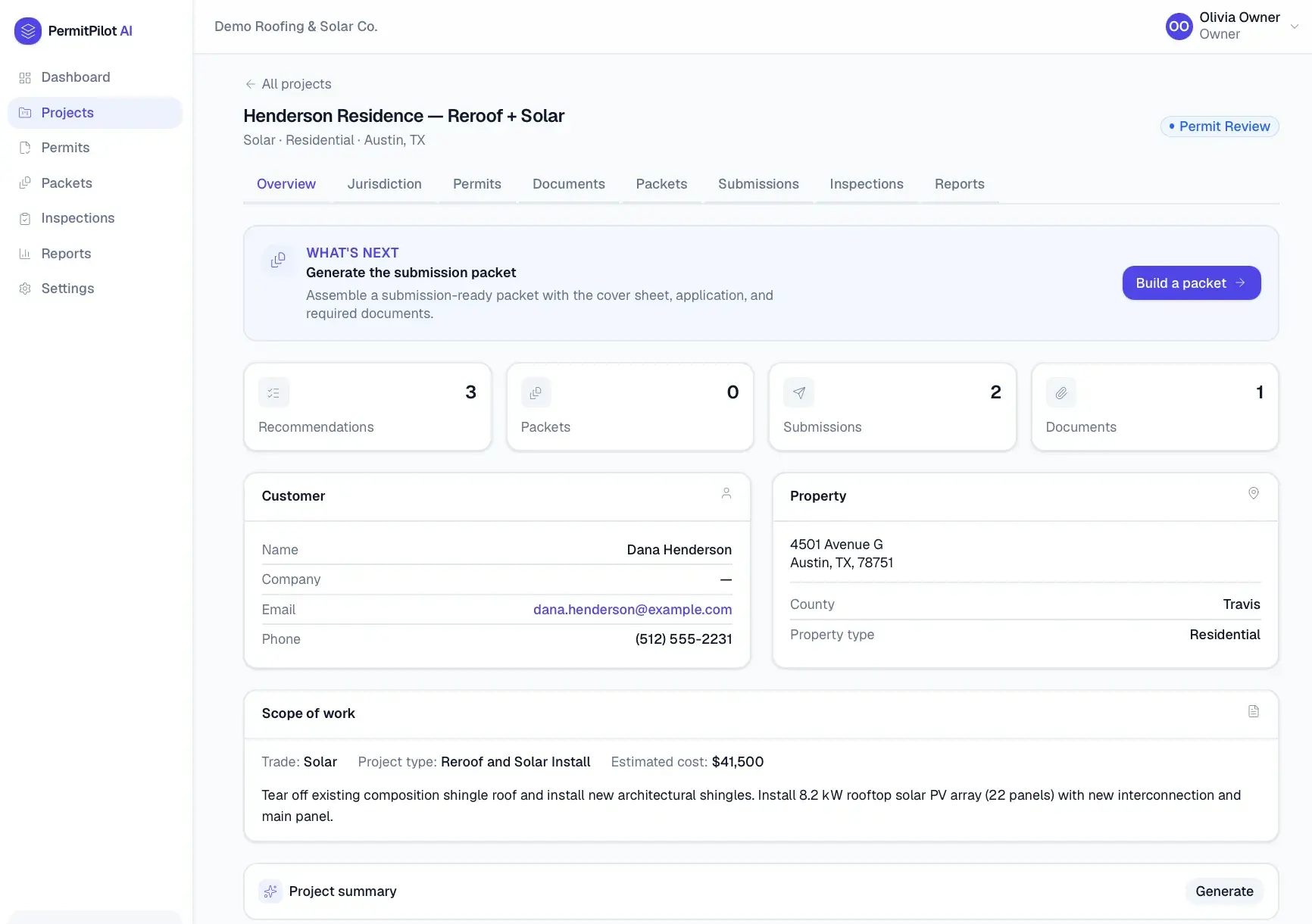
Permit packet generator
Assembles a submission-ready PDF packet from project data.
Scope of work generator
Produces plain-English scope descriptions.
Owner authorization document
Generates owner and contractor authorization letters.
Contractor profile reuse
Stores license and insurance details for reuse across packets.
Submission assistance
Manual, guided, assisted-autofill, or API submission levels.
Permit status tracker
Timeline from draft through submitted, corrections, approved, and finaled.
Correction request tracker
Links correction requests to applications with response drafting.
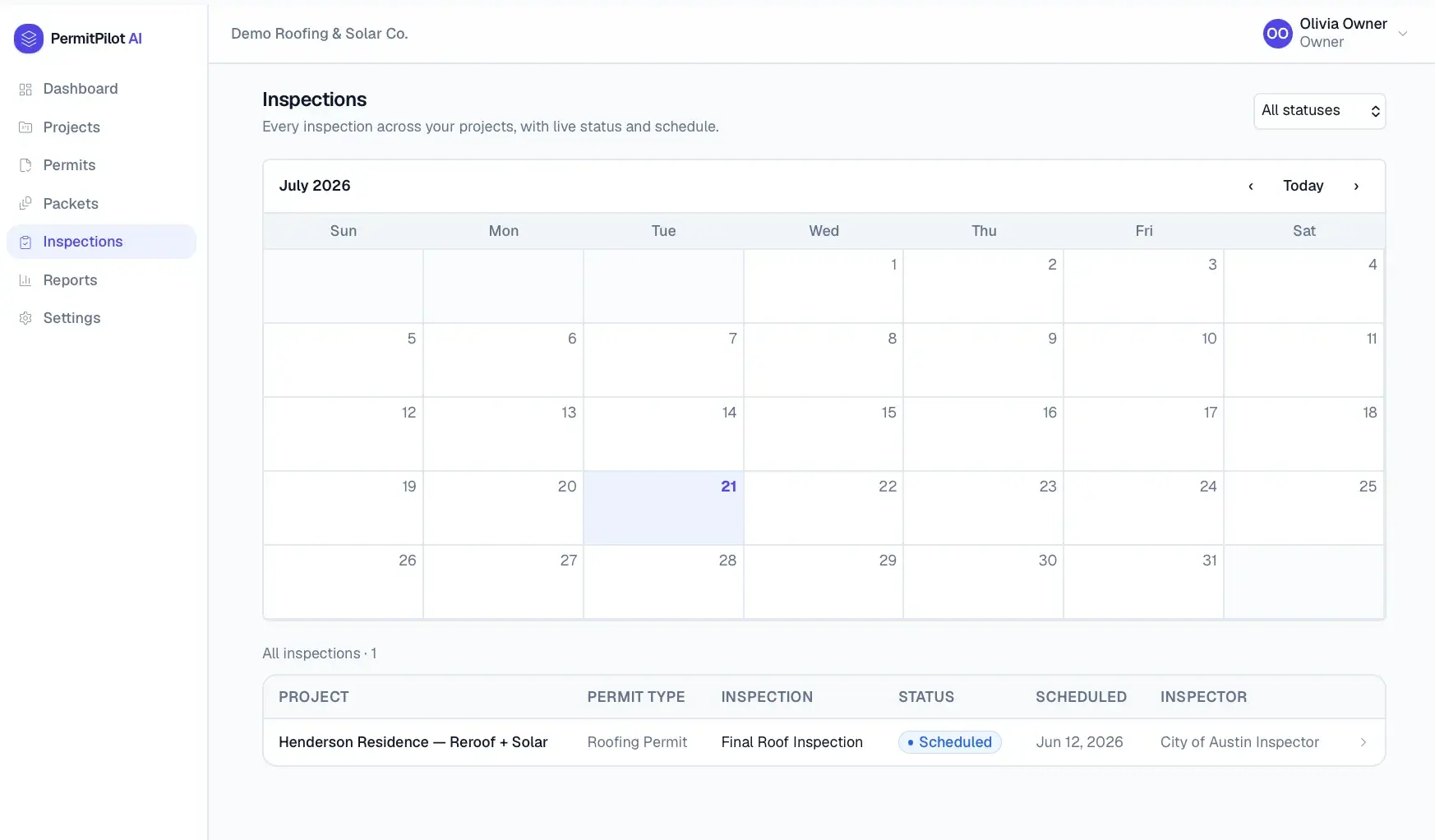
Inspection management
Schedules inspections, records results, and tracks closeout.
AI permit assistant
Explains requirements and drafts documents from system data.
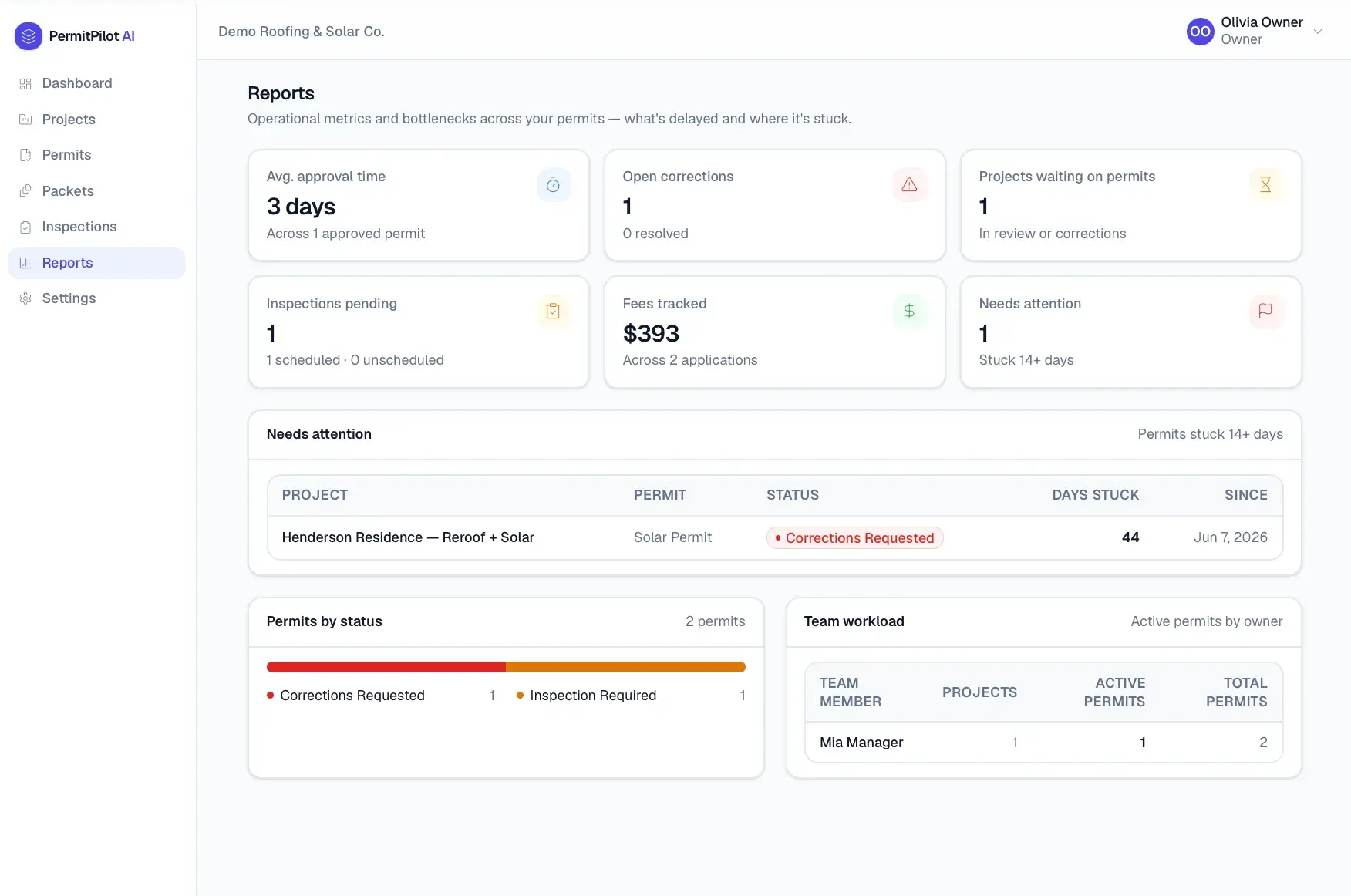
Reporting dashboard
Permits by status, approval time, corrections, and bottlenecks.
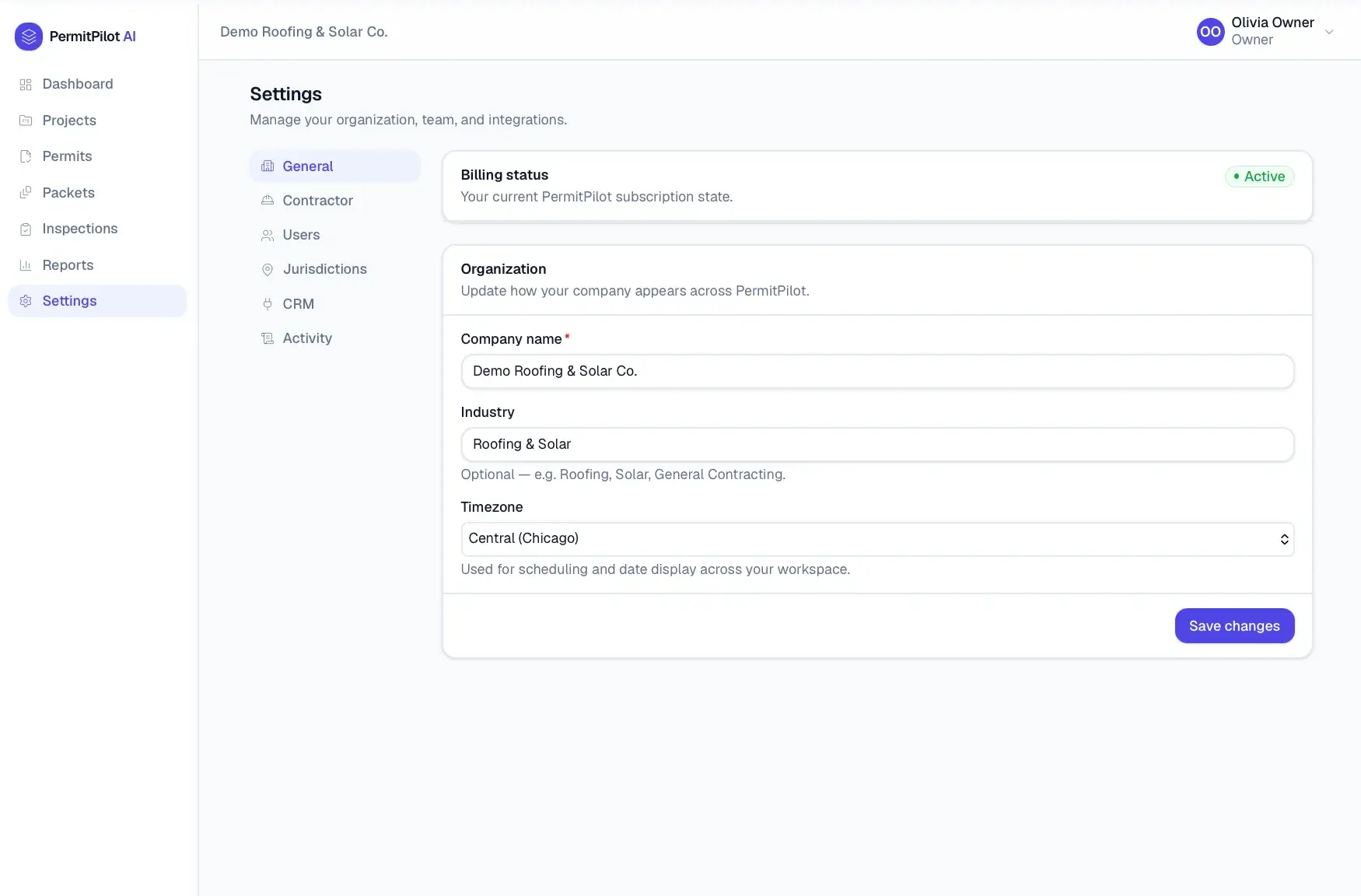
Admin settings
Multi-tenant organization, roles, and audit logging.
A Next.js and React application with a Prisma data layer over SQLite, JWT-based authentication, and a configurable storage driver for uploaded documents. Permit packets and letters are rendered as PDFs, and the AI assistant runs through Anthropic's Claude.
Central CRM that unifies a cluster of home-service apps under one role-based platform.
Multi-tenant AI content and growth operating system that runs a portfolio of apps as one AI-managed business.
Visual jobsite handoff and project timeline platform for construction crews and management.
Start a project and reference this one — the conversation begins with what you have already seen.
Start a project