 Built In Oasis
CRM Empire
Functional DemoCentral CRM that unifies a cluster of home-service apps under one role-based platform.
A jobsite photo manager with a fast single-click tool for annotating damage.
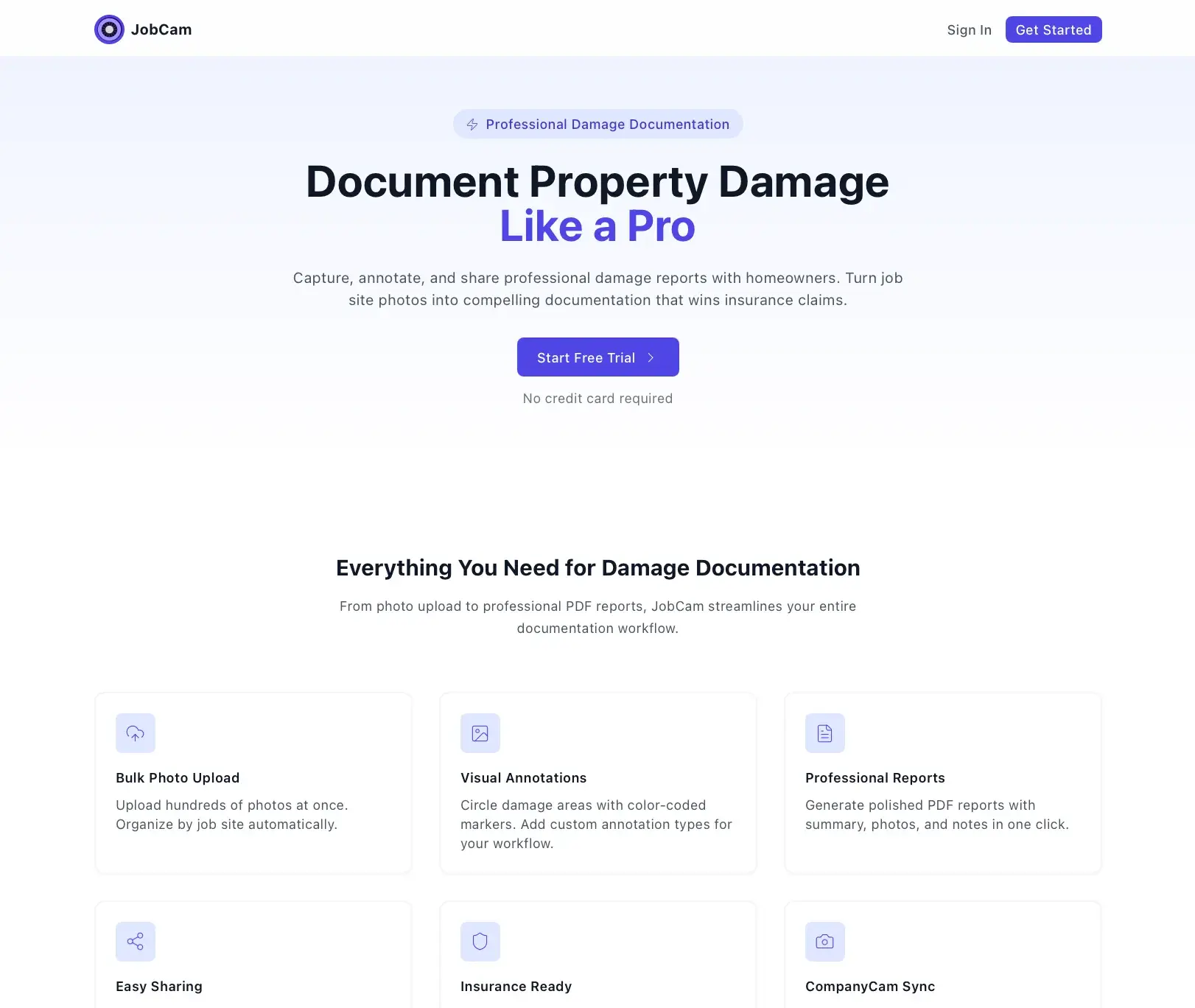
Field crews need to capture, organize, and mark up jobsite photos quickly, but general photo tools are slow to annotate and don't tie images to a specific job or push them to the rest of the CRM. Marking each damage spot with a generic editor takes too long when crews have many photos per job.
Built for Field crews capturing and marking up jobsite photos.
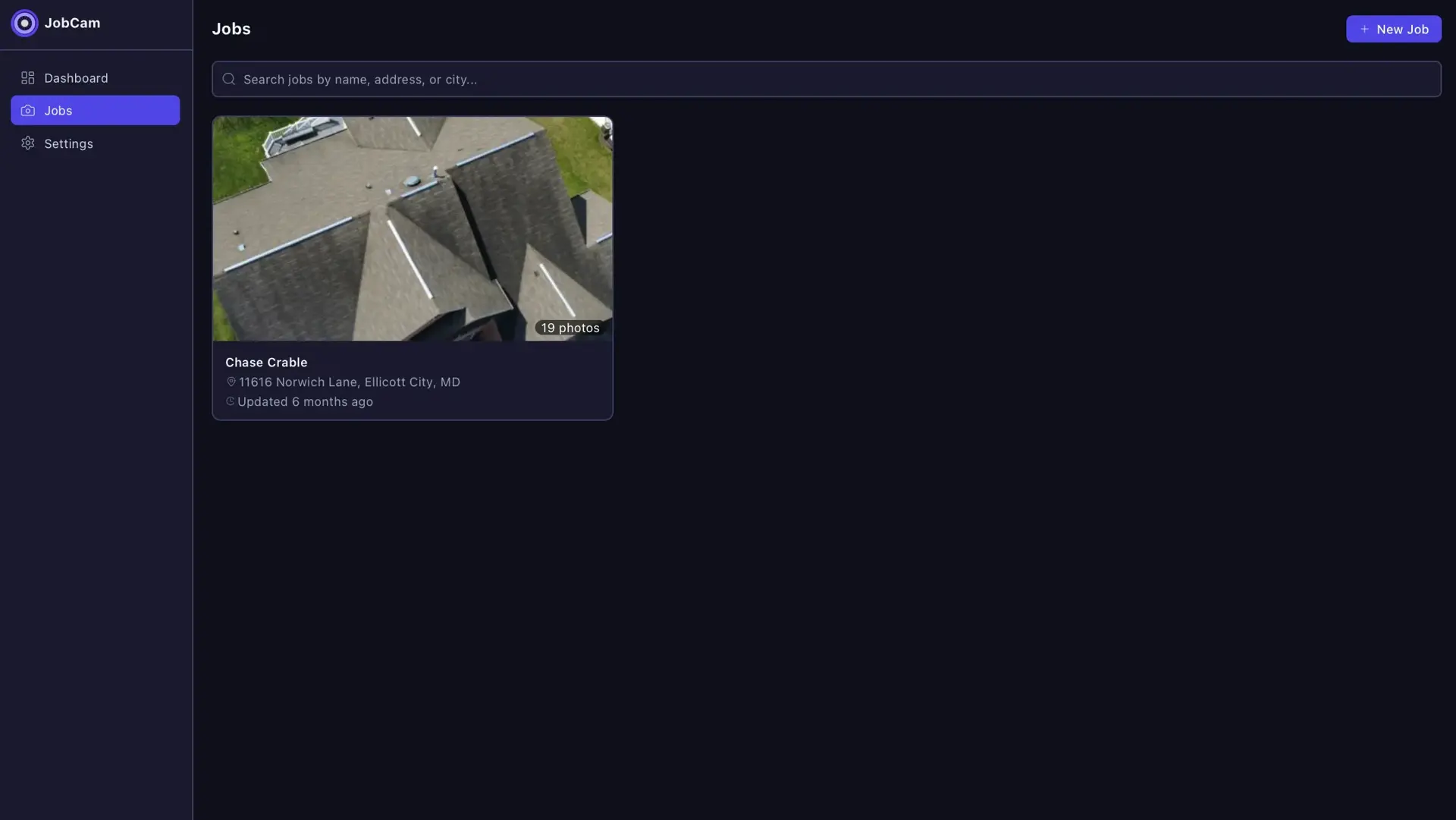
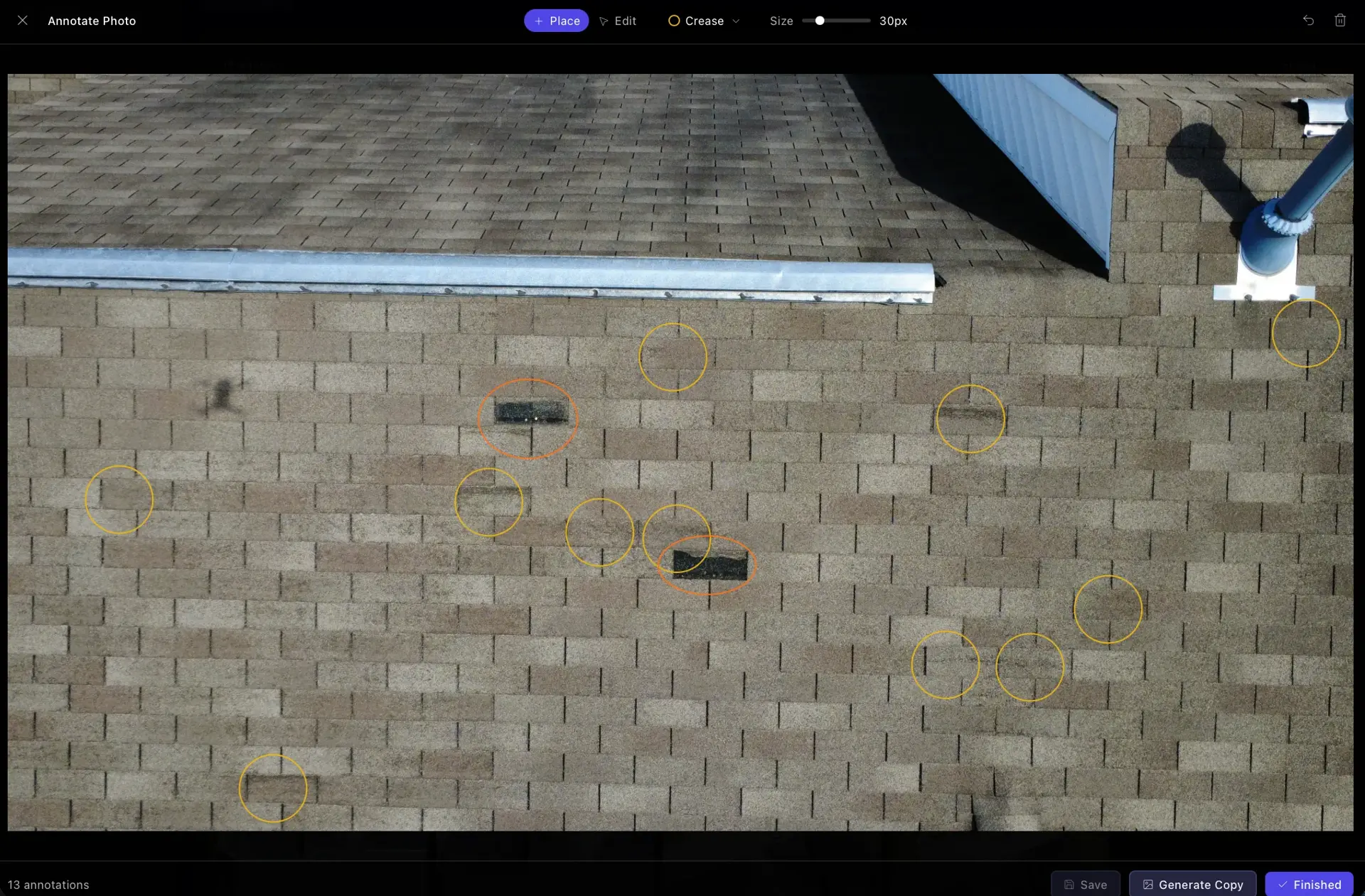
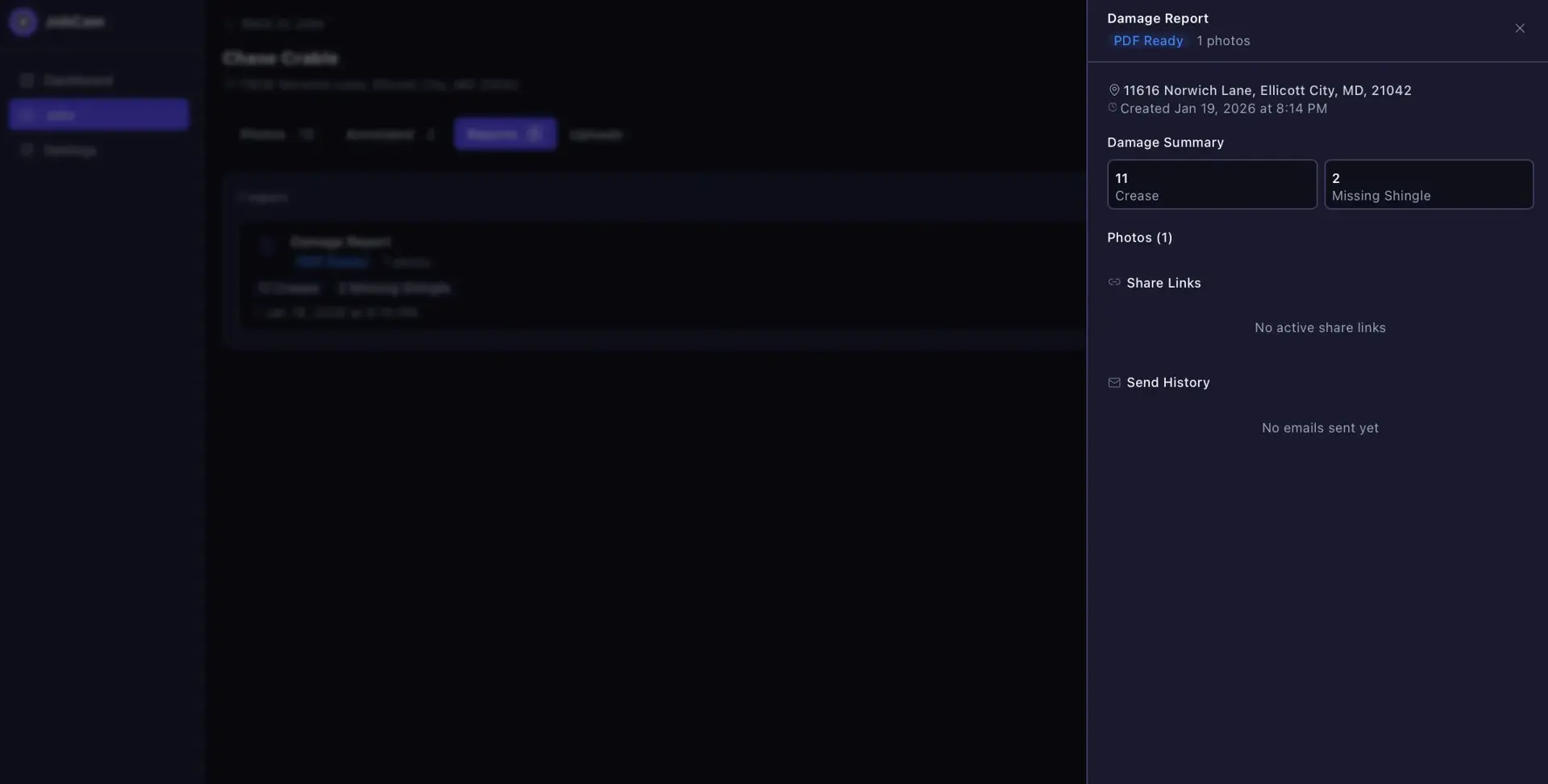
Company Cam (JobCam) lets users create a job, upload photos to it, and browse them in a clean gallery. Its core is a fast annotation tool: pick an annotation type such as hail damage or missing shingle, click the photo, and a colored circle of that type's default size is placed and stored as a record. Finished markups are flattened into separate versioned annotated copies while the originals stay untouched. Jobs can produce shareable damage reports, and a plugin sync map ties jobs to connected CRM apps.
A fast click-to-place annotation model where each circle is stored as a record and later flattened server-side into a new versioned image so originals are never overwritten. Server-side image processing with Sharp, PDF damage-report generation with PDFKit, shareable report links via share tokens, and a pluggable local or S3 storage backend. Plugin sync mapping links jobs to external CRM apps.
A CompanyCam-style job photo manager built around one thing: annotating damage in seconds, not minutes.
Jobs
Create, list, and open jobs with name and address.
Photo upload and gallery
Bulk-upload photos and browse thumbnails per job.
Photo viewer
Prev and next navigation with minimal metadata.
Fast annotation
Select a type and click to place a stored circle annotation.
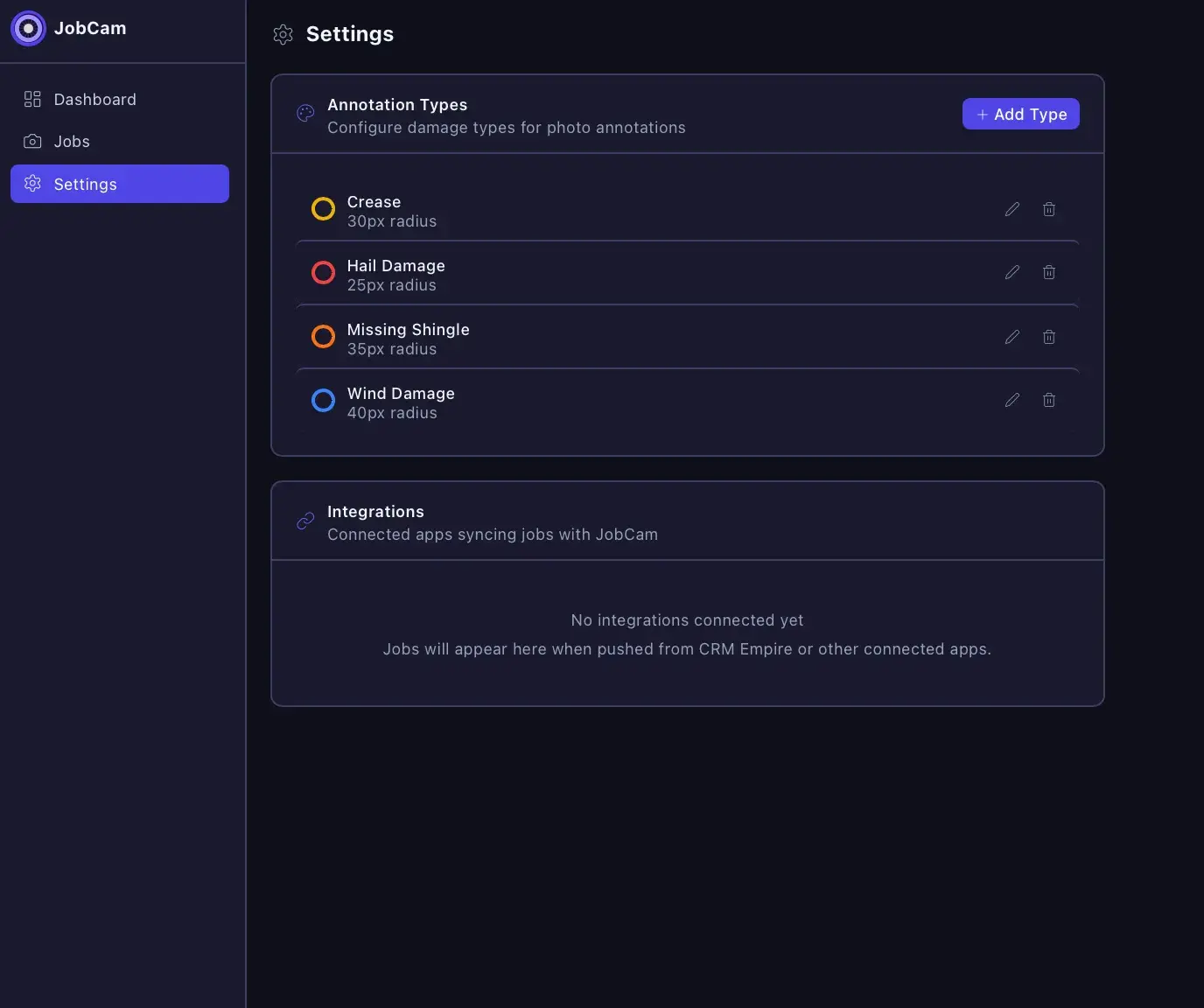
Annotation types
Manage type name, color, and default circle size in settings.
Annotated copies
Flatten markups into separate versioned annotated images.
Damage reports
Compile job photos and items into a PDF report.
Share links
Share tokens produce expiring links to reports and outputs.
Report send history
Track deliveries of damage reports to recipients.
Plugin sync
Map jobs to connected CRM apps for push or auto sync.
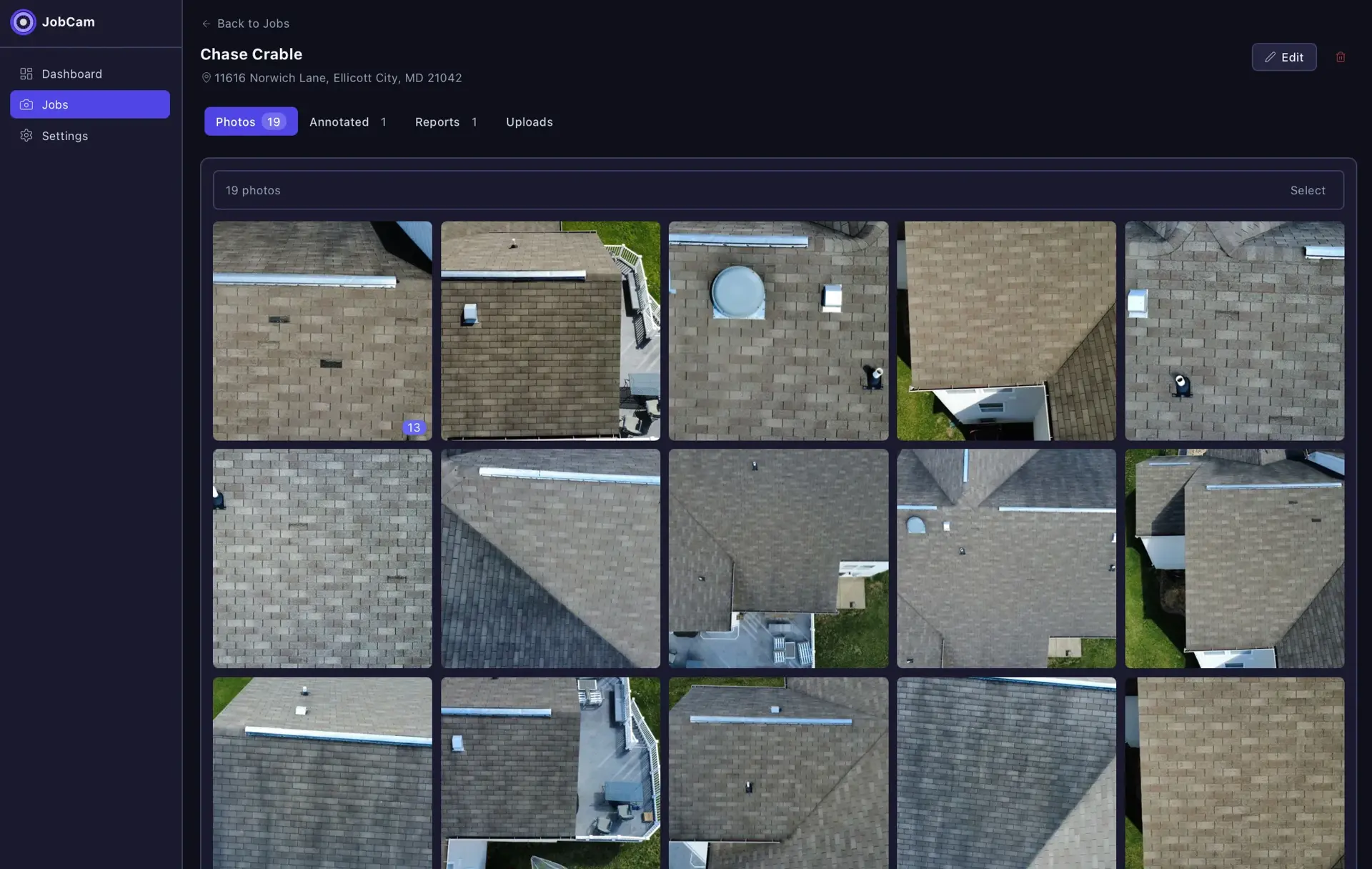
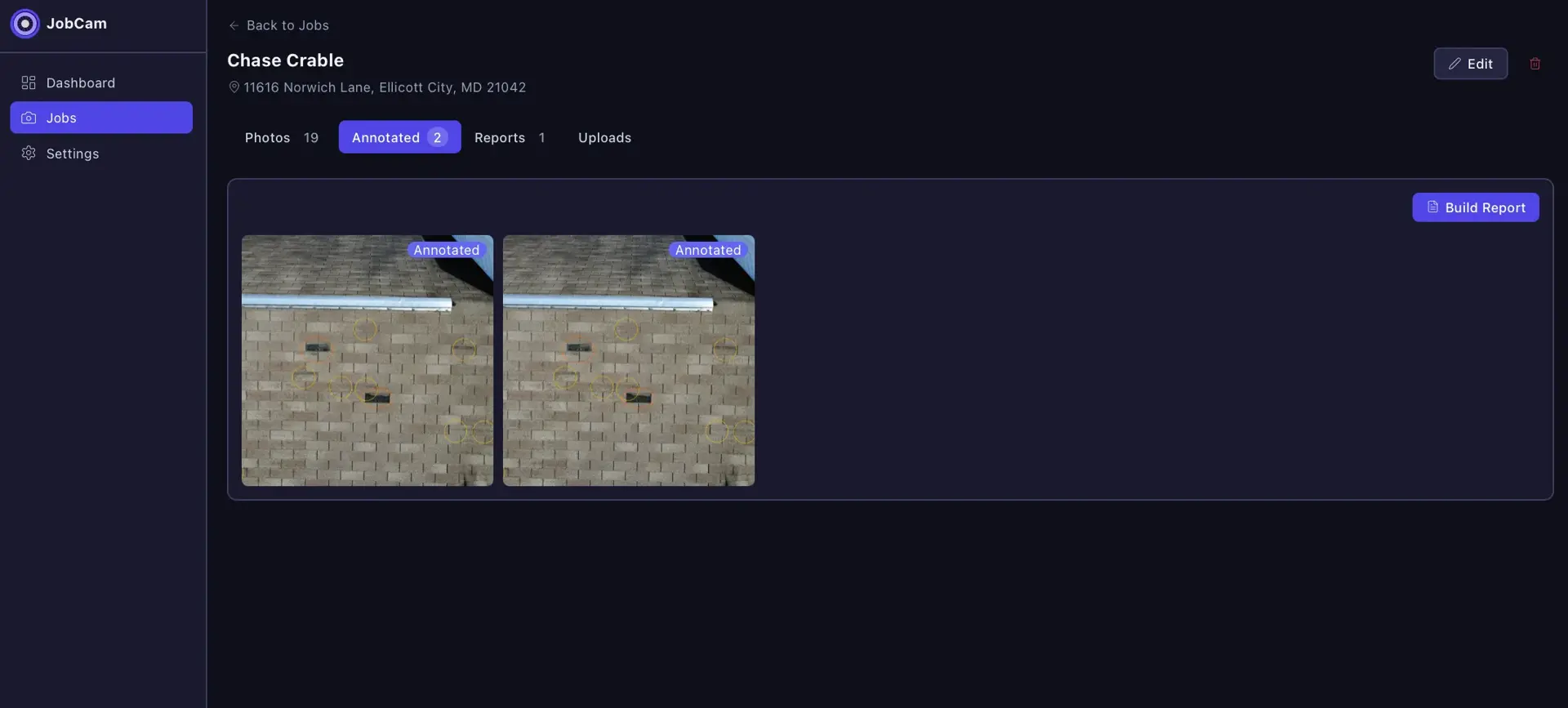
An Express and Prisma backend on PostgreSQL handles jobs, photos, annotations, and reports, with configurable storage that defaults to local disk and can switch to AWS S3. Sharp flattens annotated images and PDFKit builds damage reports, which are delivered by email over SMTP. A React and Vite frontend styled with Tailwind CSS provides the gallery, viewer, and annotation UI.
Central CRM that unifies a cluster of home-service apps under one role-based platform.
A shared database for contractors to track and review insurance claim adjusters.
Insurance supplement management for roofing contractors, with adjuster communication and AI.
Start a project and reference this one — the conversation begins with what you have already seen.
Start a project