 Built In Oasis


SiteFlow Daily
In DevelopmentVisual jobsite handoff and project timeline platform for construction crews and management.
An AI operations layer that detects cross-system gaps and completes coordination work under approval controls.
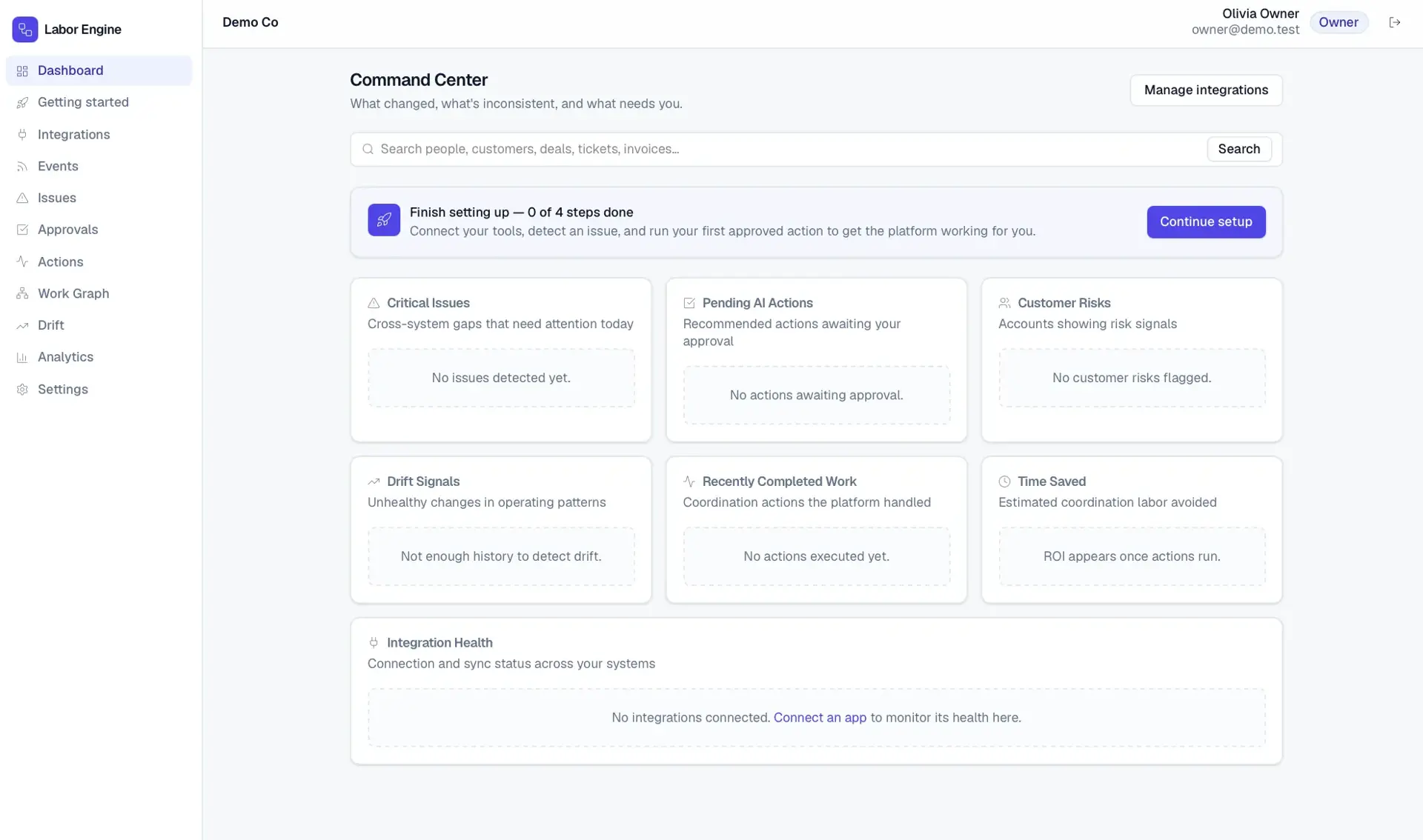
Companies do not fail because one system is missing; they fail because their systems do not agree. The CRM says one thing, the inbox another, the calendar changed, the invoice was never sent, the support ticket escalated, and the Slack message got buried. Humans are the glue holding these systems together, wasting time on manual coordination between them.
Built for Small and mid-market companies (roughly 20 to 500 people) already running several disconnected SaaS tools but lacking a large operations team; founders, COOs, and revenue/customer-success leaders.
The platform connects a company's business apps and normalizes their activity into a unified operational work graph. It detects cross-system inconsistencies, stalled work, missing owners, broken promises, and organizational drift, then explains each issue in plain English and recommends a resolution. Users approve actions manually or promote trusted low-risk workflows to autopilot; the system executes across connected systems, logs every action, and reports measurable ROI.
Implements a reusable multi-provider OAuth integration framework with token encryption and a common provider interface. Builds event ingestion and normalization into a work graph with fuzzy identity resolution, an inconsistency/drift detection engine, and an AI reasoning layer whose output is parsed into structured JSON and routed through risk-based approval before a safe, idempotent, audited execution layer.
Companies do not fail because one system is missing. They fail because the systems do not agree. This is the AI operations layer that keeps your company's systems aligned.
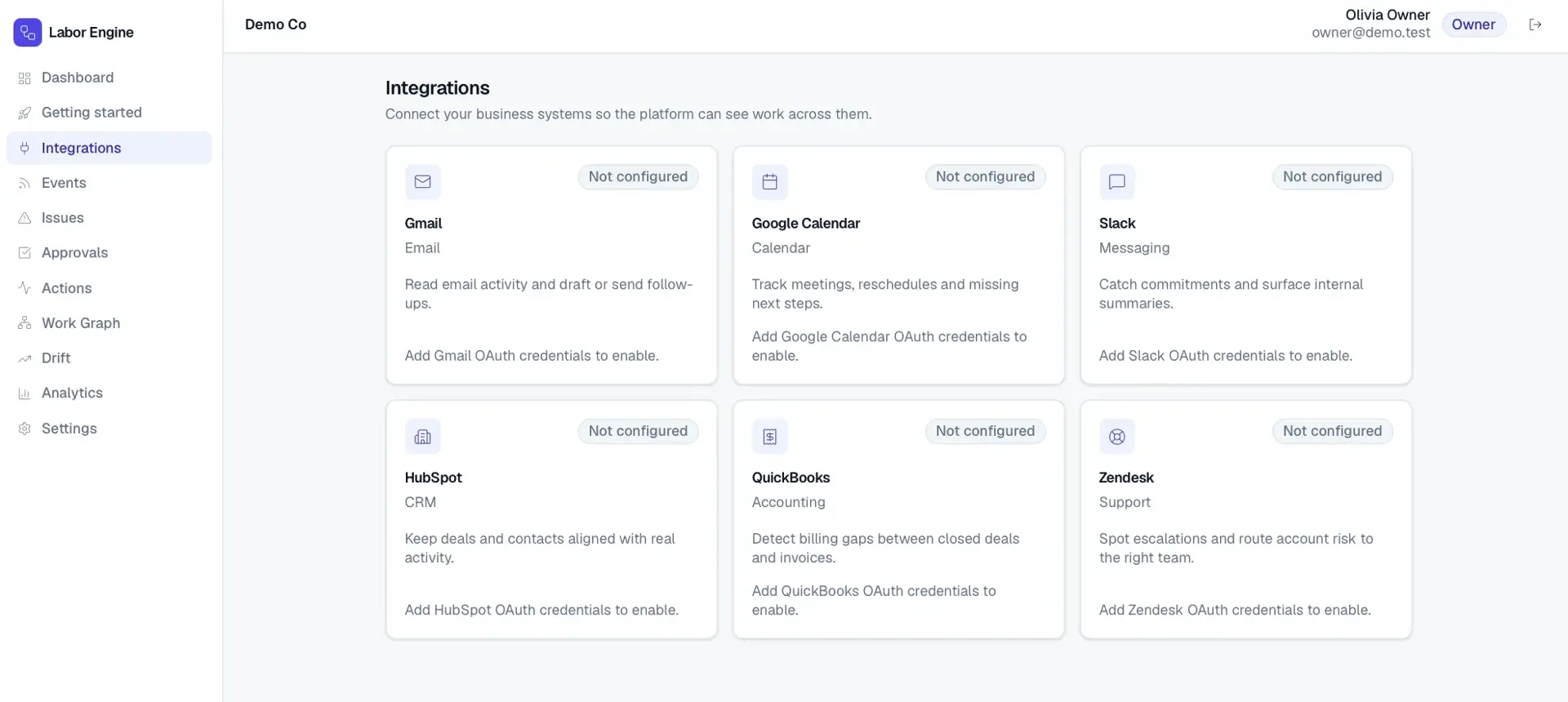
Integration Framework
Reusable OAuth, token encryption, webhook, and sync architecture with a provider abstraction layer.
Event Ingestion & Normalization
Convert external activity into deduplicated, normalized WorkEvents with raw payloads stored.
Operational Work Graph
Connect people, customers, deals, tickets, invoices, tasks, and conversations with confidence scoring.
Inconsistency Detection Engine
Detect missing follow-ups, CRM mismatches, billing gaps, untracked promises, and stale deals.
Drift Detection Engine
Model baselines and flag unhealthy shifts in sales, support, billing, operations, and relationships.
AI Reasoning & Context Engine
Extract commitments, analyze sentiment, and recommend actions from structured context packets.
Recommended Action Engine
Turn issues into routed, risk-classified actions with previews, edits, and bulk approvals.
Execution Layer
Safely execute approved actions across systems with idempotency, retries, and logging.
Command Center Dashboard
Daily view of critical issues, pending approvals, customer risks, drift, and time saved.
Approval Inbox
Pending actions with evidence, editable previews, and approve, reject, snooze, or automate.
Admin, Governance & Security
Role-based permissions, approval policies, sensitive-data controls, and audit logs.
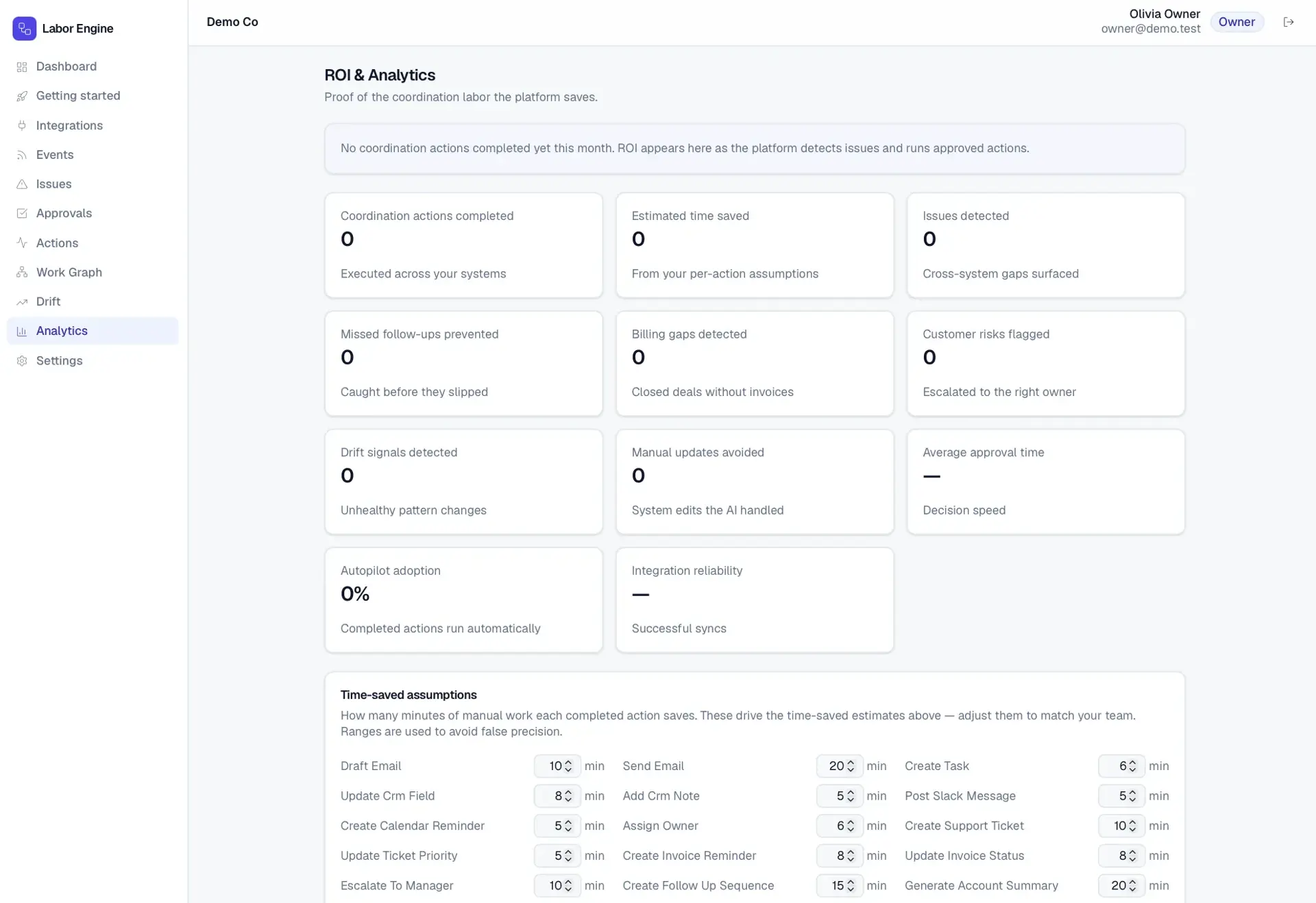
ROI & Analytics
Track issues detected, actions completed, follow-ups saved, and estimated hours saved.
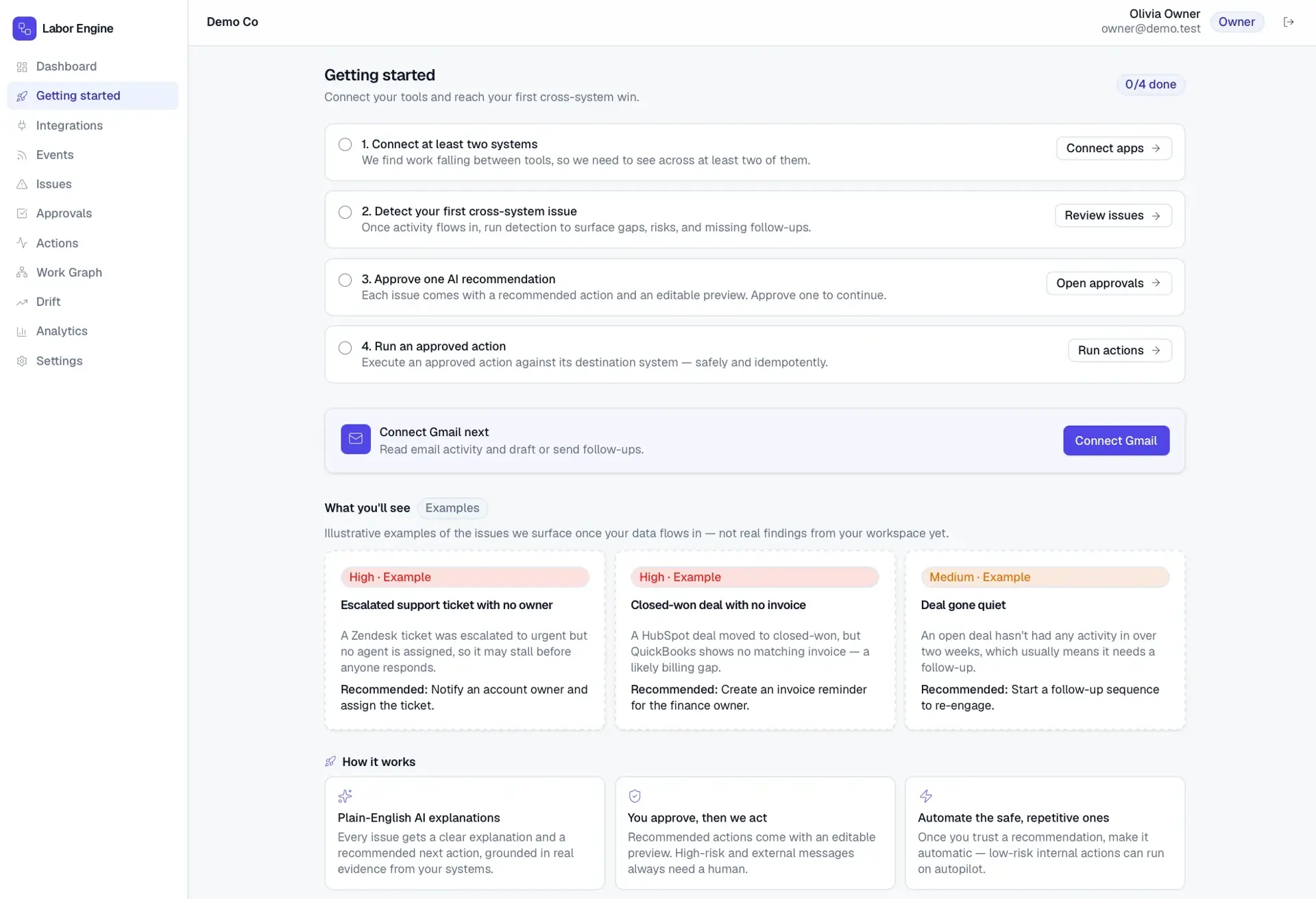
Onboarding & Activation
Guided setup to connect apps, detect a first issue, and approve a first AI action.
Automation Rules
Promote trusted low-risk workflows to autopilot within approval policy.
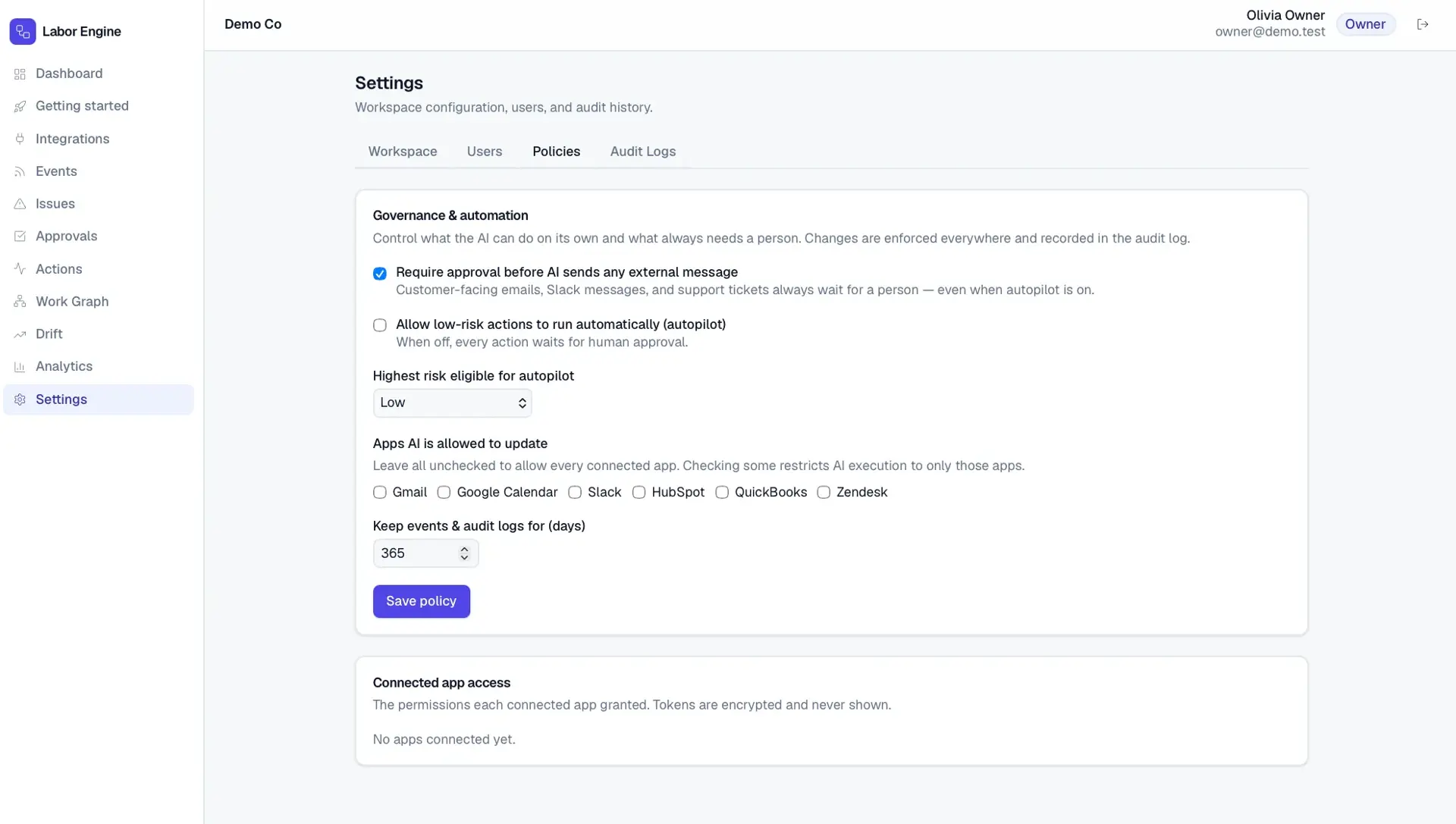
A Next.js/React app backed by Prisma over PostgreSQL, with per-provider adapters, a sync runner for event ingestion, Auth.js for authentication, and an Anthropic-backed reasoning service. Connected-app tokens are encrypted at rest and every meaningful action writes an audit log.
Visual jobsite handoff and project timeline platform for construction crews and management.
Material price-shock monitoring that ties supplier price movement to margin exposure and pricing recommendations.
An AI acquisition-intelligence platform that surfaces and scores off-market acquisition targets from public business signals.
Start a project and reference this one — the conversation begins with what you have already seen.
Start a project